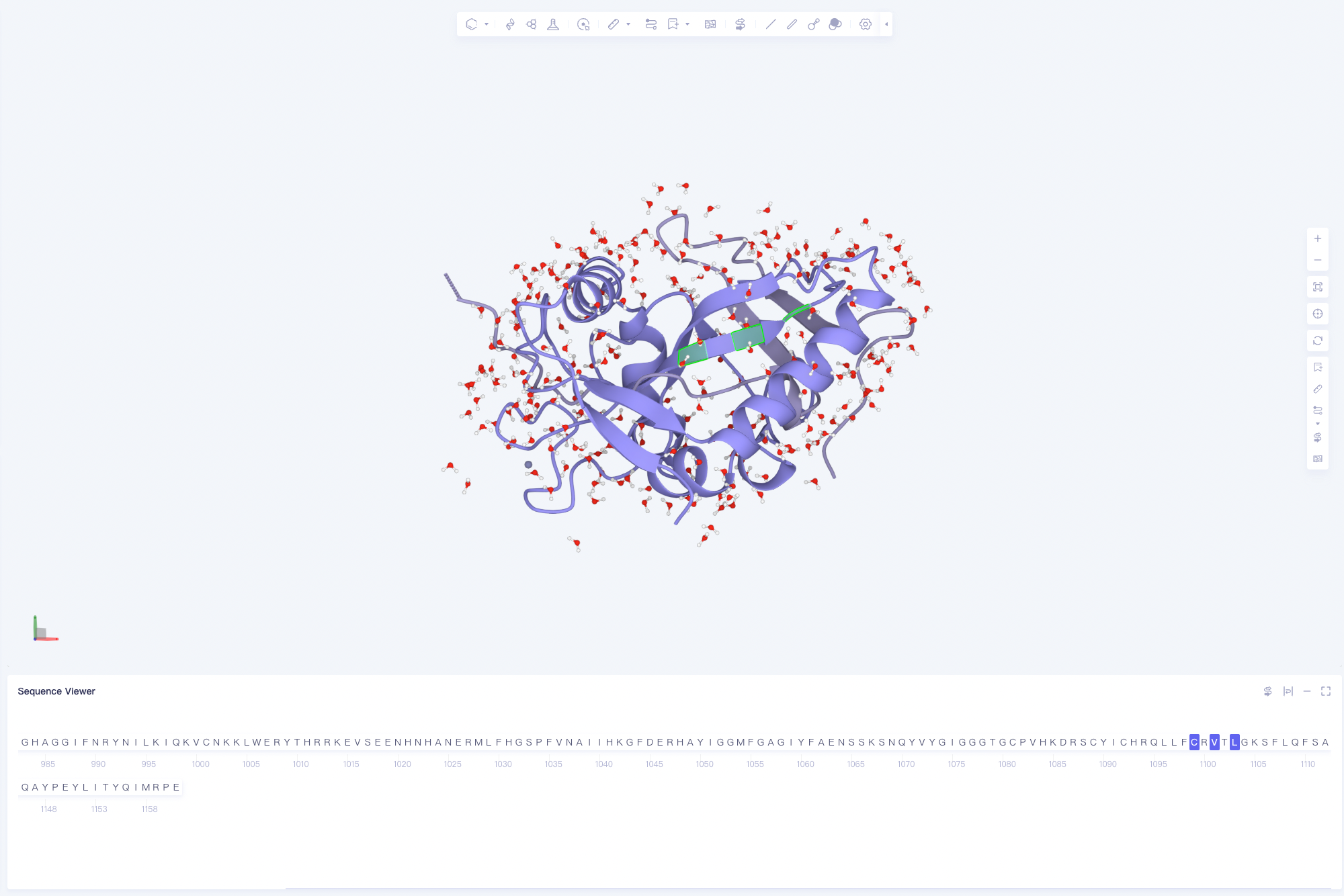
Graphical function
1. Foreword
-
The selectable units (Atom, Residue, Chain, etc.) appearing in the graphical interface are collectively referred to as Object hereinafter.
-
Object is classified as:
-
Protein, whose lower level is: Chain → Residue → Atom.
-
Ligand.
-
Solvant, including Water and Other Solvant.
-
Metal、Ions.
-
Pocket, both are cuboids.
-
Surface.
-
-
A single Object, or a collection thereof, is called an Entry, and appears once as the smallest unit in the Entry List.
2. File
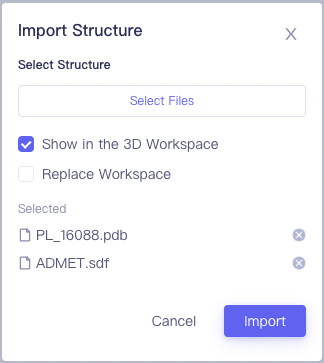
Import Structure
- General Toolbar Menu → File → Import Structure.
-
Select the file Select Files:
-
Protein: .pdb.
-
Ligands: .sdf and .mol.
-
Check is supported.
-
-
Show in the 3D Works pace: You can choose whether to show in the 3D Works pace.
- If it is not checked, it will also be displayed in the Entry List at the file level.
-
Replace Works pace: You can choose whether to replace the Objects in the current 3D Works pace.
- If checked, the Objects of the original Entry List will not disappear, but will all become Hide status (hidden, not displayed, not appearing in Structure Hierarchy and 3D Workspace).
Get PDB
- General Toolbar Menu → File → Get PDB.
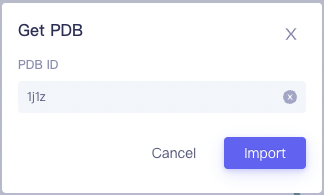
- Enter the corresponding PDB ID.
3. Entry List
-
A window that presents an Entry in a hierarchical manner.
-
Objects that users are most concerned about in this project are displayed here.
-
The operations for the Object to enter the Entry List include: Import Structure/Get PDB, import through various Functions, and manually add the objects that need the most attention in 3D Workspace.
-
-
Objects that are in Show in the Entry List are displayed in the Structure Hierarchy and 3D Workspace windows.
-
Object operations are supported in the Entry List:
| Name | Operation | Before | After | Tips |
| Multi-select | Press Ctrl/Command , click Object or hold down Shift, click the start point , hold down Shift, and click the end point | 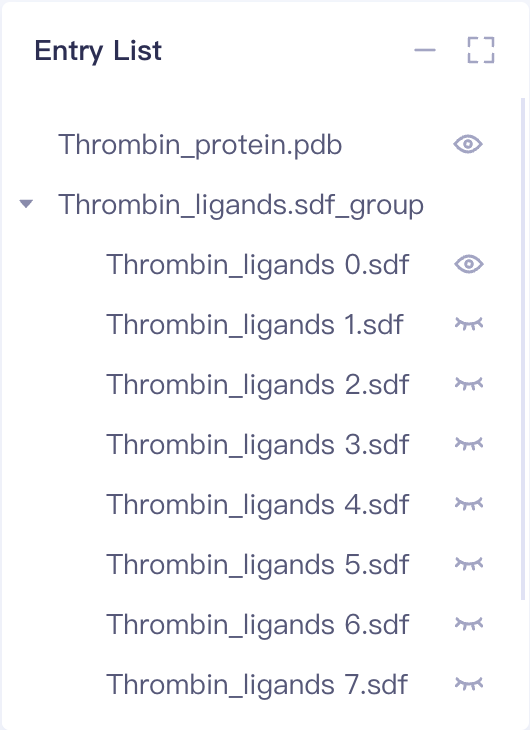 | 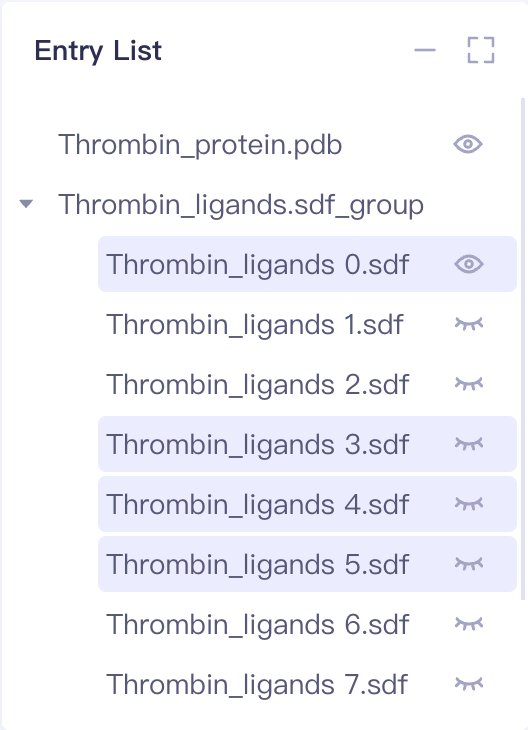 | |
| Drag | Select the corresponding Object with the mouse, press and hold the mouse, drag to the target position, and release | 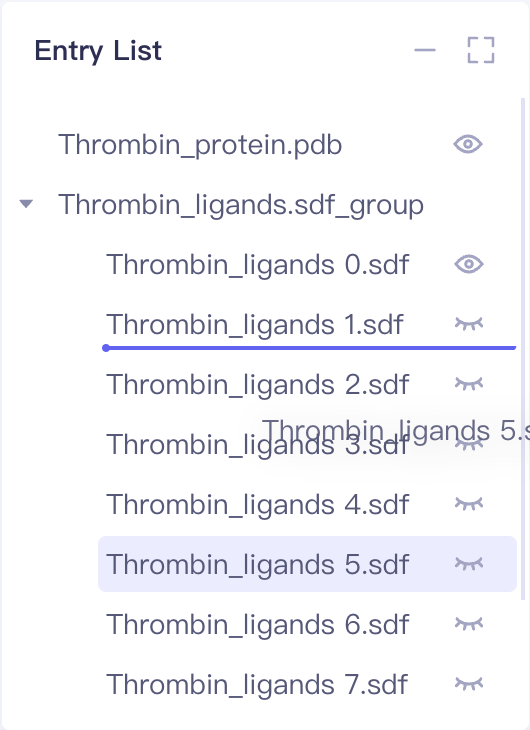 | 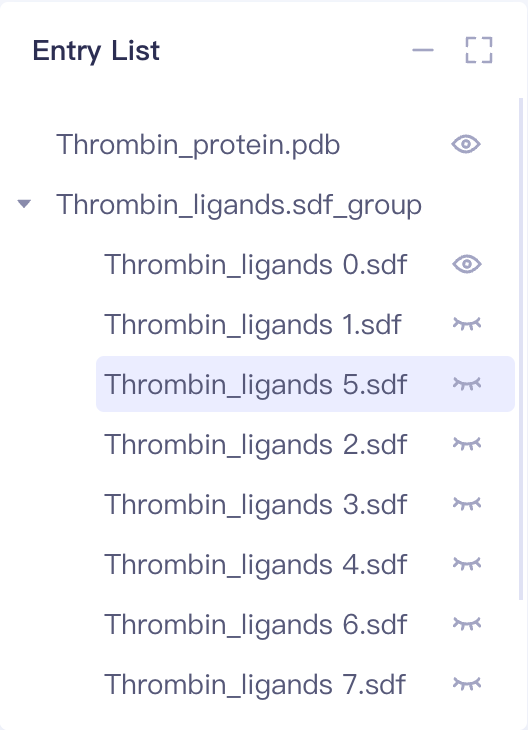 | |
| Rename | Double click Object | 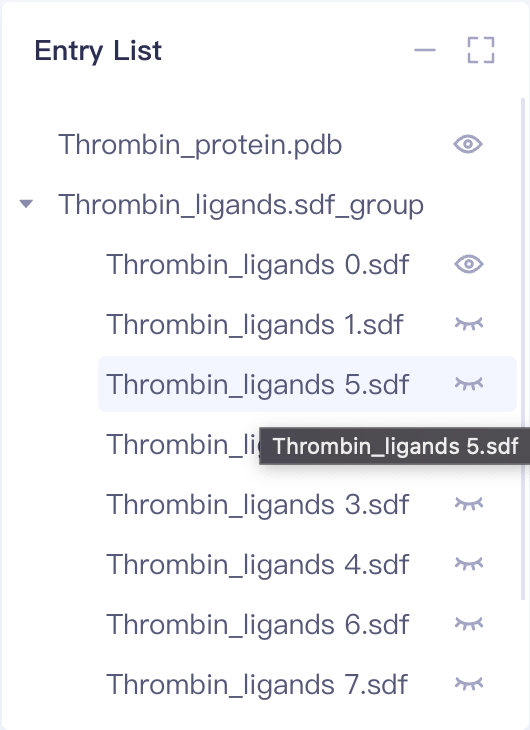 | 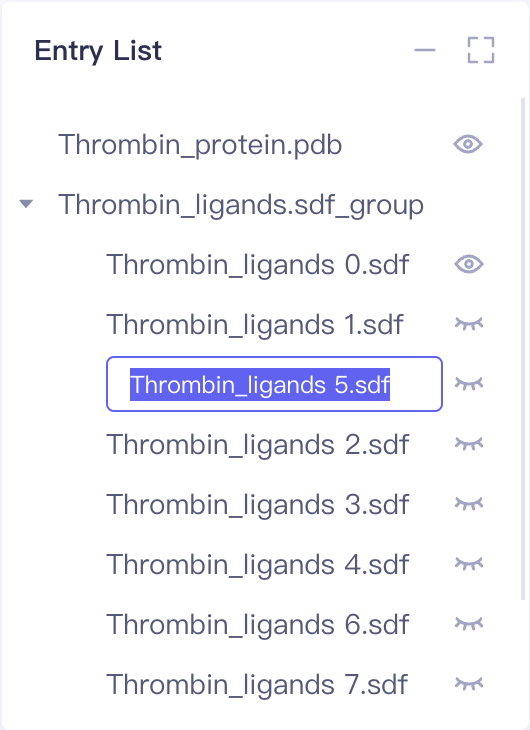 | |
| Split Into Ligands, Water and Other | Hover the mouse to the right button of the corresponding Object , select the Split Into Ligands, and Water and Other. | 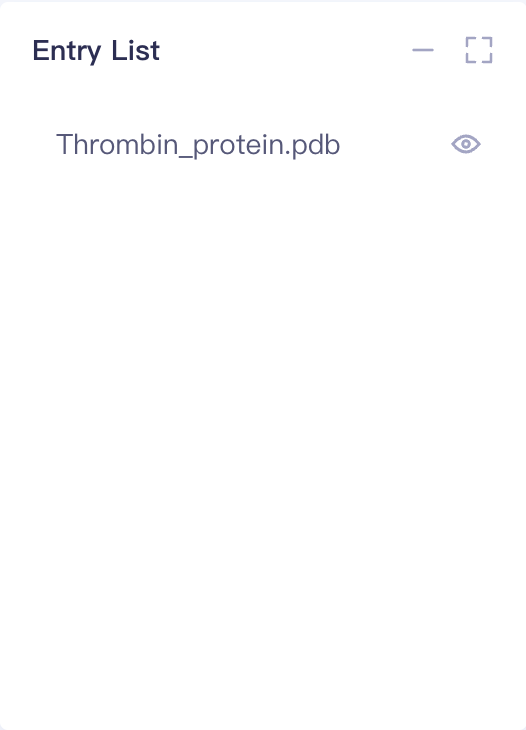 | 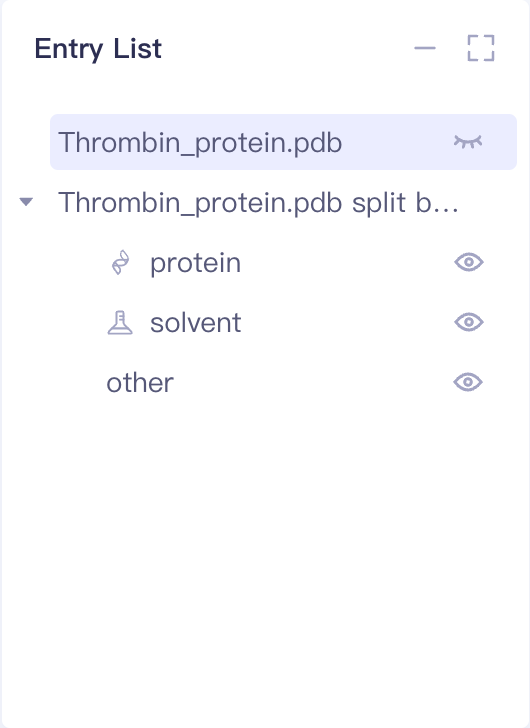 | |
| Duplicate | Hover over object Right click and select Duplicate | | 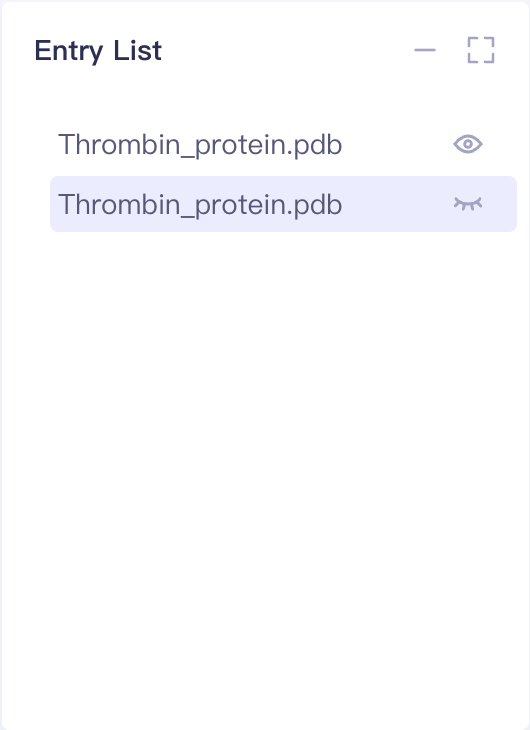 | |
| Delete | Hover over the corresponding Object Right click and select Delete | 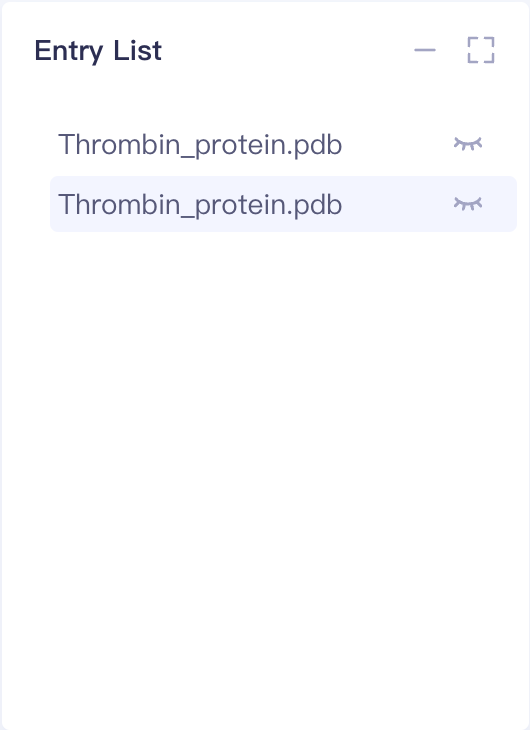 |  | |
| Group | Check to the corresponding Object Right click and select Group | 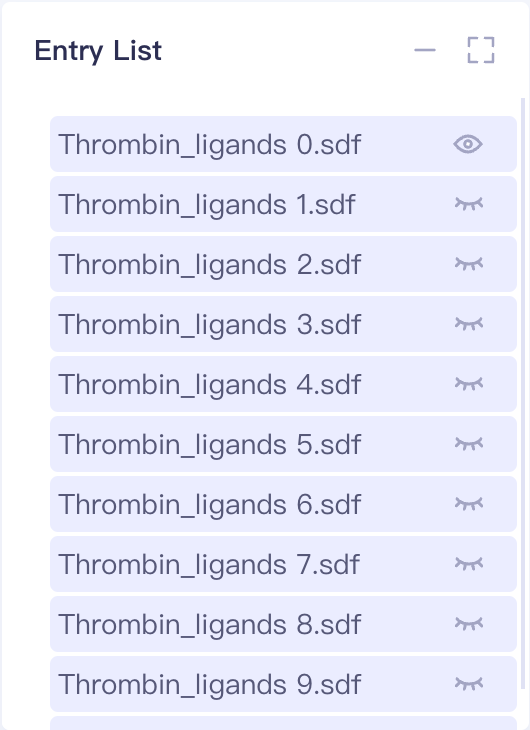 | 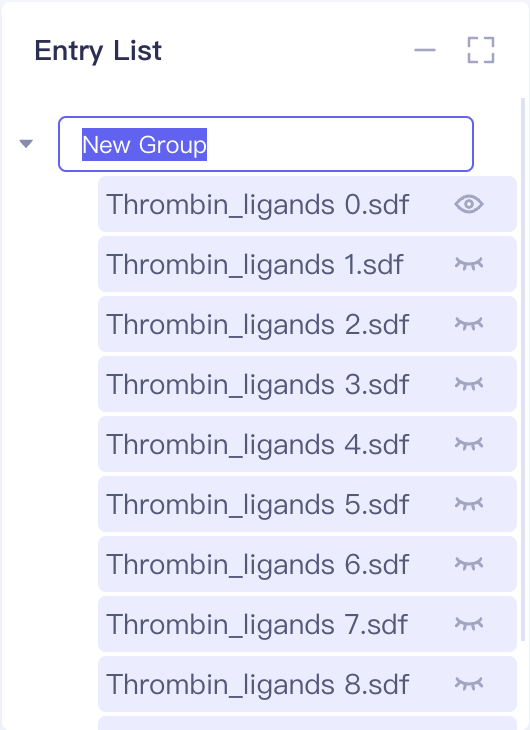 | |
| Ungroup | Hover over the corresponding Group Right click and select Ungroup | 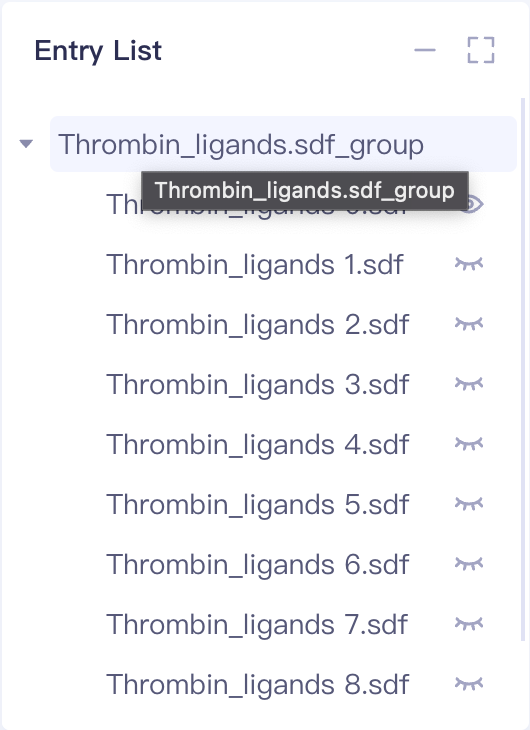 | |
4. Structure Hierarchy
-
All Objects in 3D Workspace are displayed in a file-level manner, and expansion to the Atom level is automatically supported
-
Measure (Distance, Angle, Dihedral), Label, Surface added in 3D Works pace can also be selected and operated in Hierarchy
-
Object in Structure Hierarchy supports check, but does not support dragging
-
Object operations are supported in the Structure Hierarchy:
| Name | Operation | Before | After | Tips |
| Copy to New Entry | Mouse over to the right button of the corresponding Object and select Copy to New Entry | 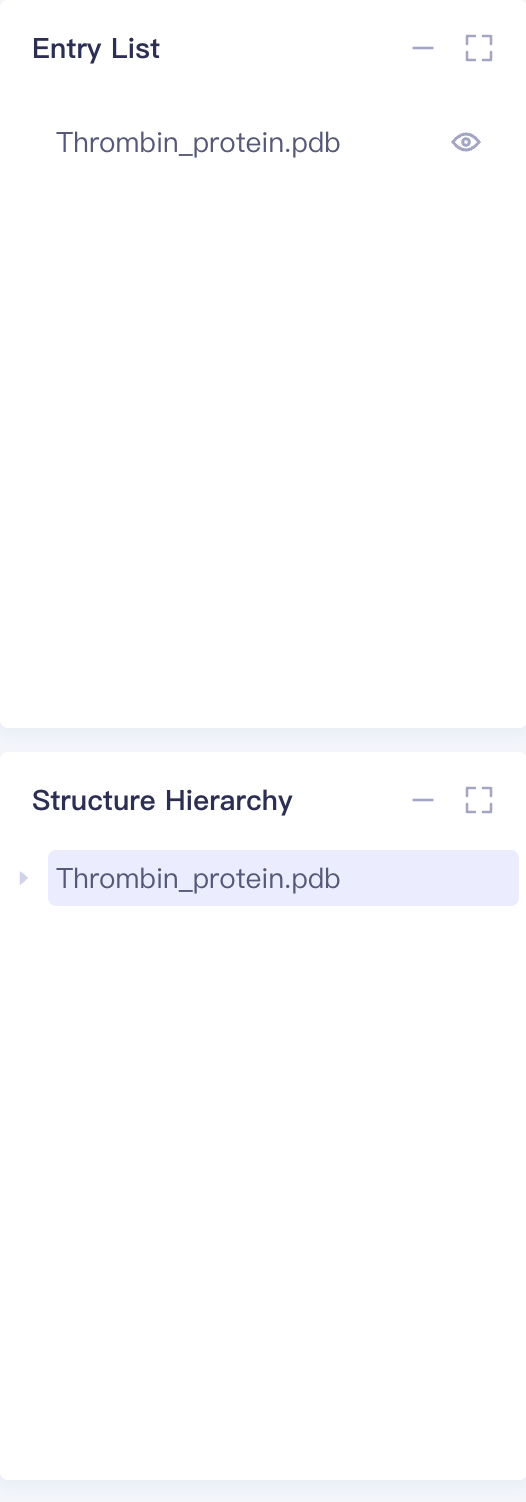 | 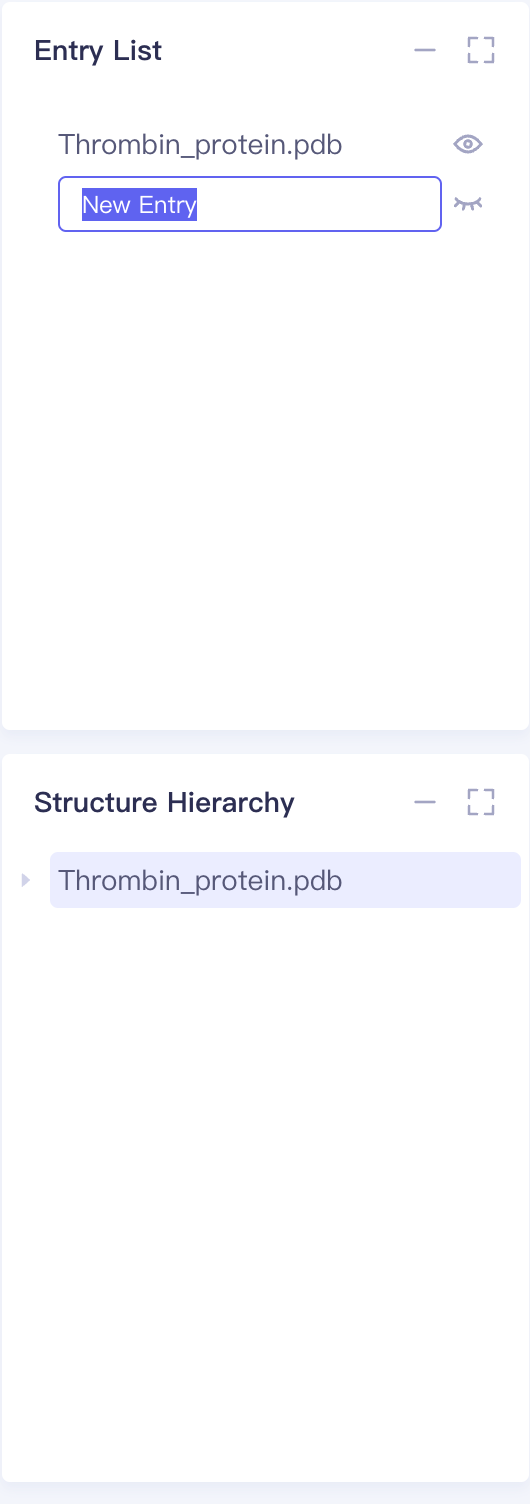 | |
| Extract to New Entry | Mouse over to the right button of the corresponding Object and select Extract to New Entry | 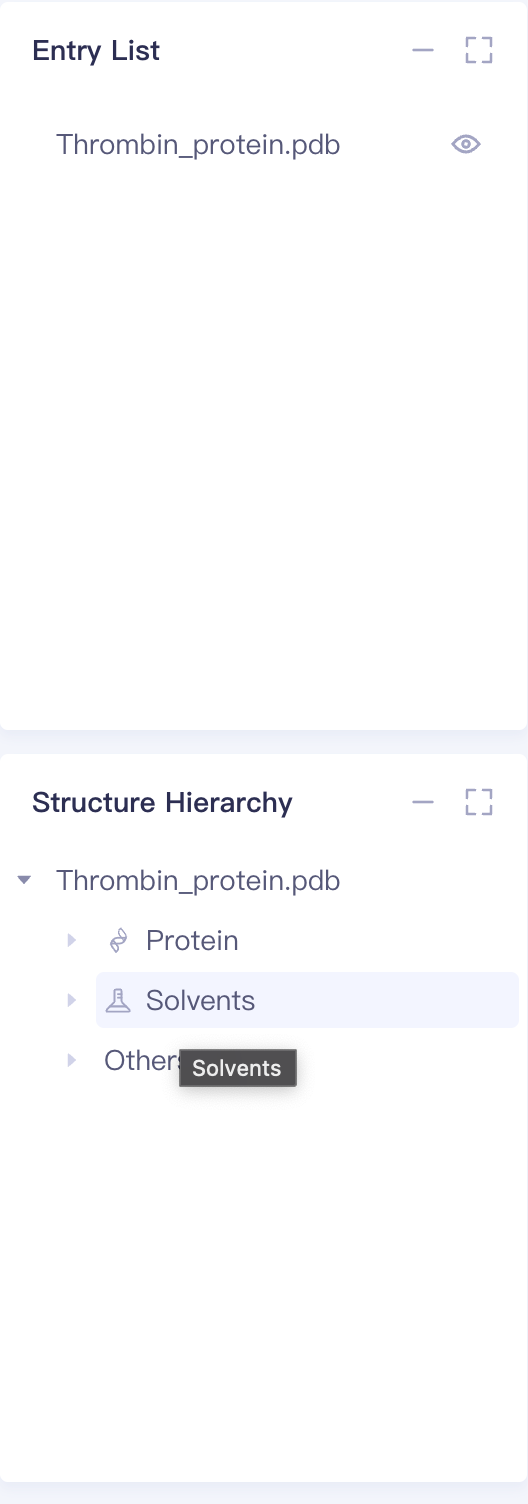 | 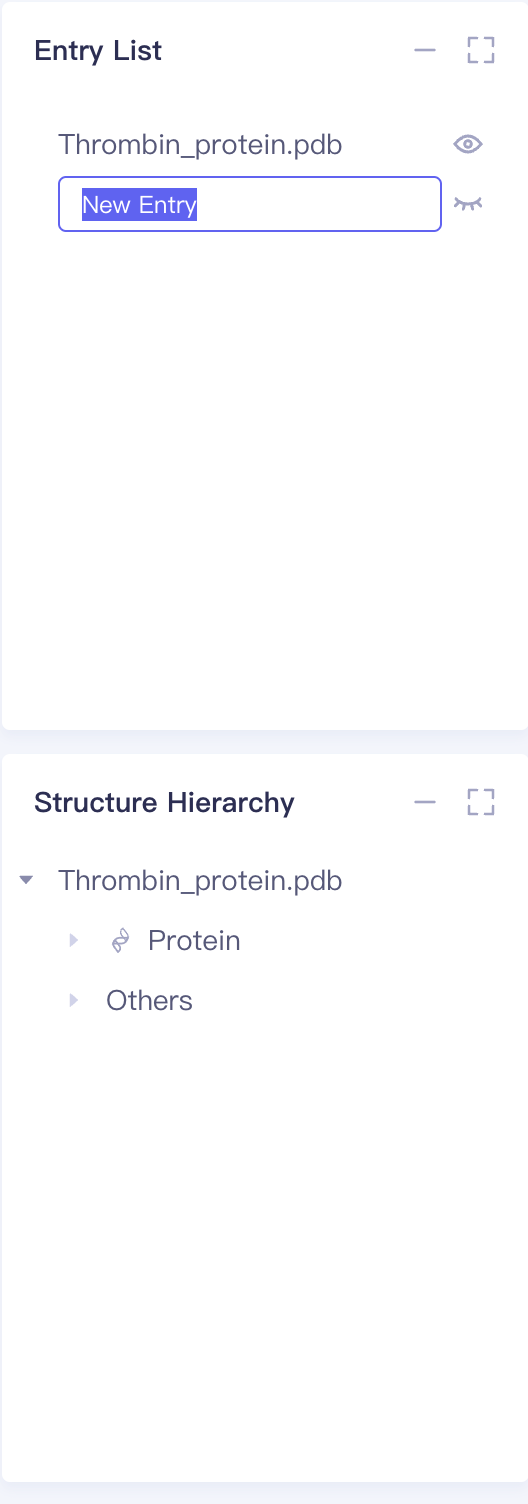 | |
| Delete | Hover over the corresponding Object Right click and select Delete | 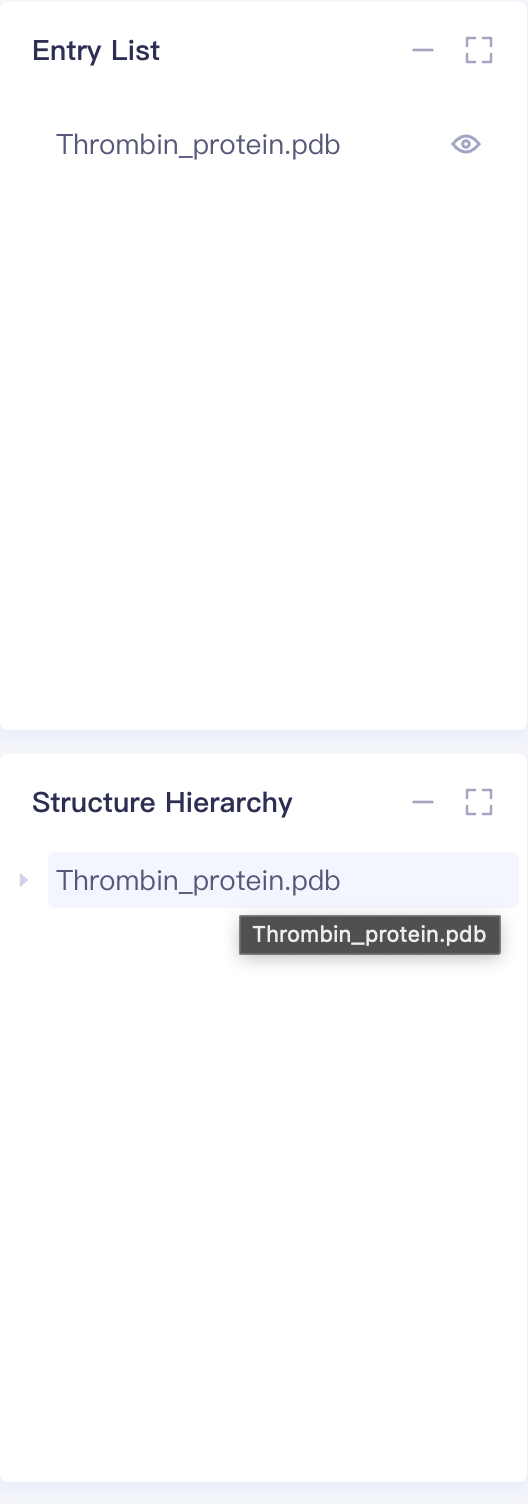 | 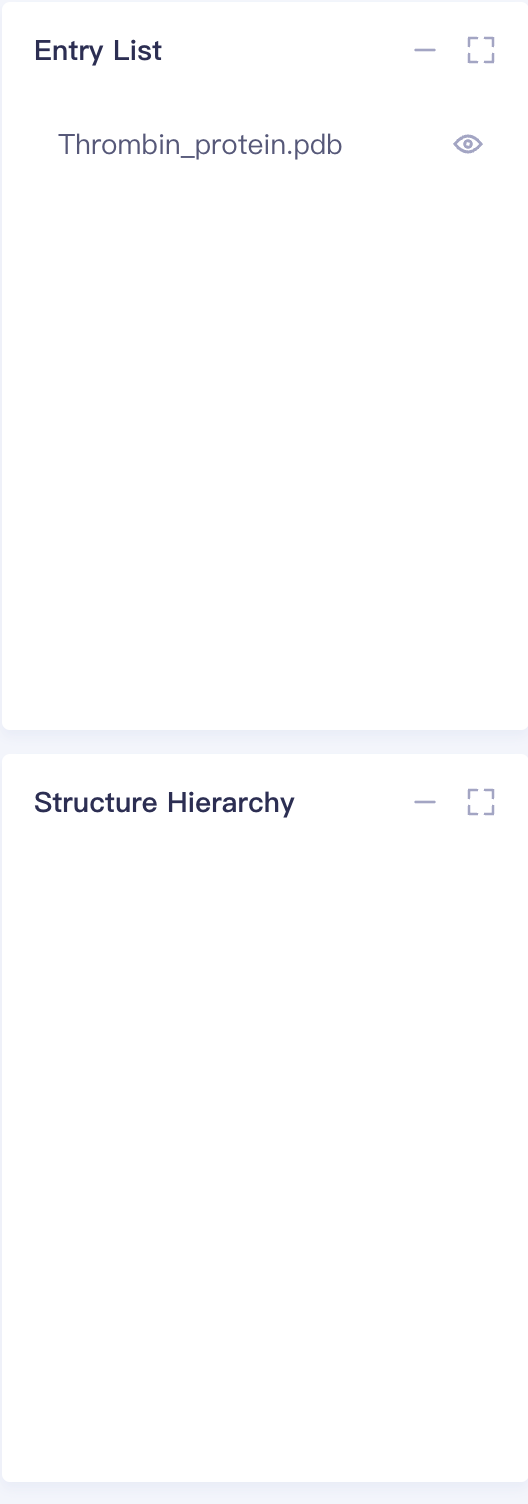 | |
| Invert | Hover over the corresponding Object Right click and select Invert | 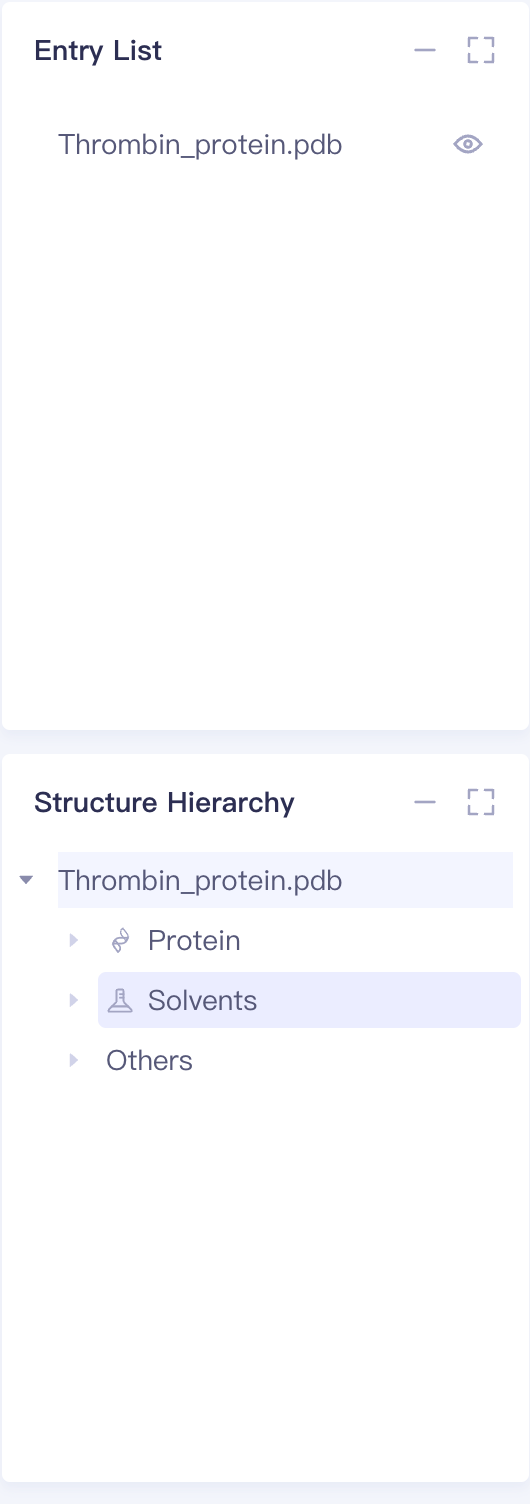 | 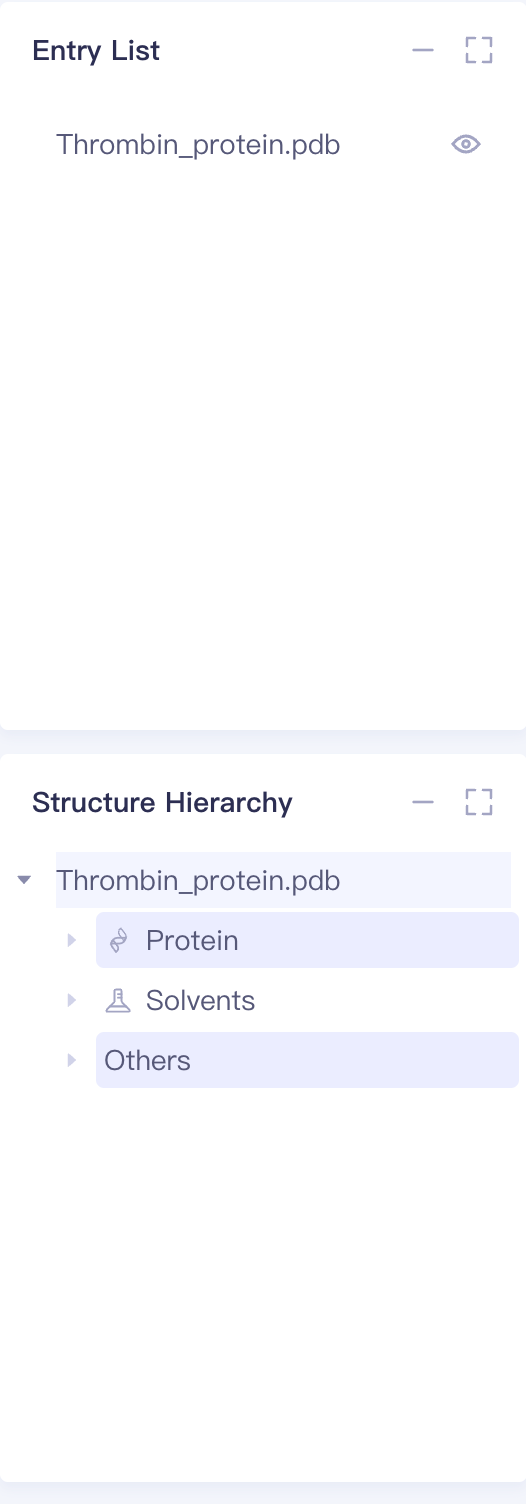 |
5. 3D Workspace
-
Objects in show state in Entry, presented in 3D Workspace in the form of 3D graphics, are the most important working window of Hermite platform.
-
Full Objects and Structure Hierarchy are linked one by one.
-
3D Works pace Top Toolbar:
| Name of the operation | Icon | Display | Remarks |
| Pick Level |  | 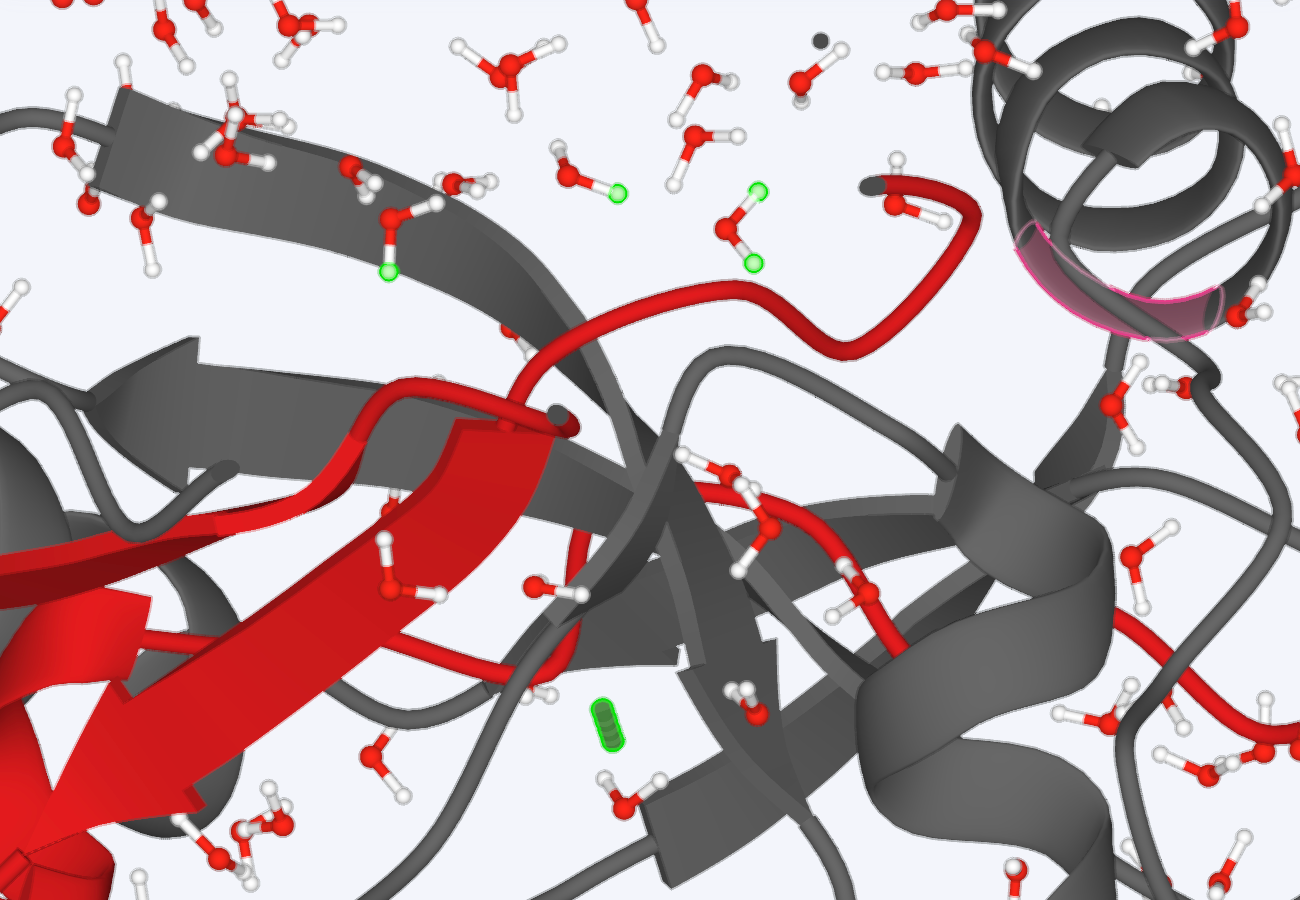 | |
 | 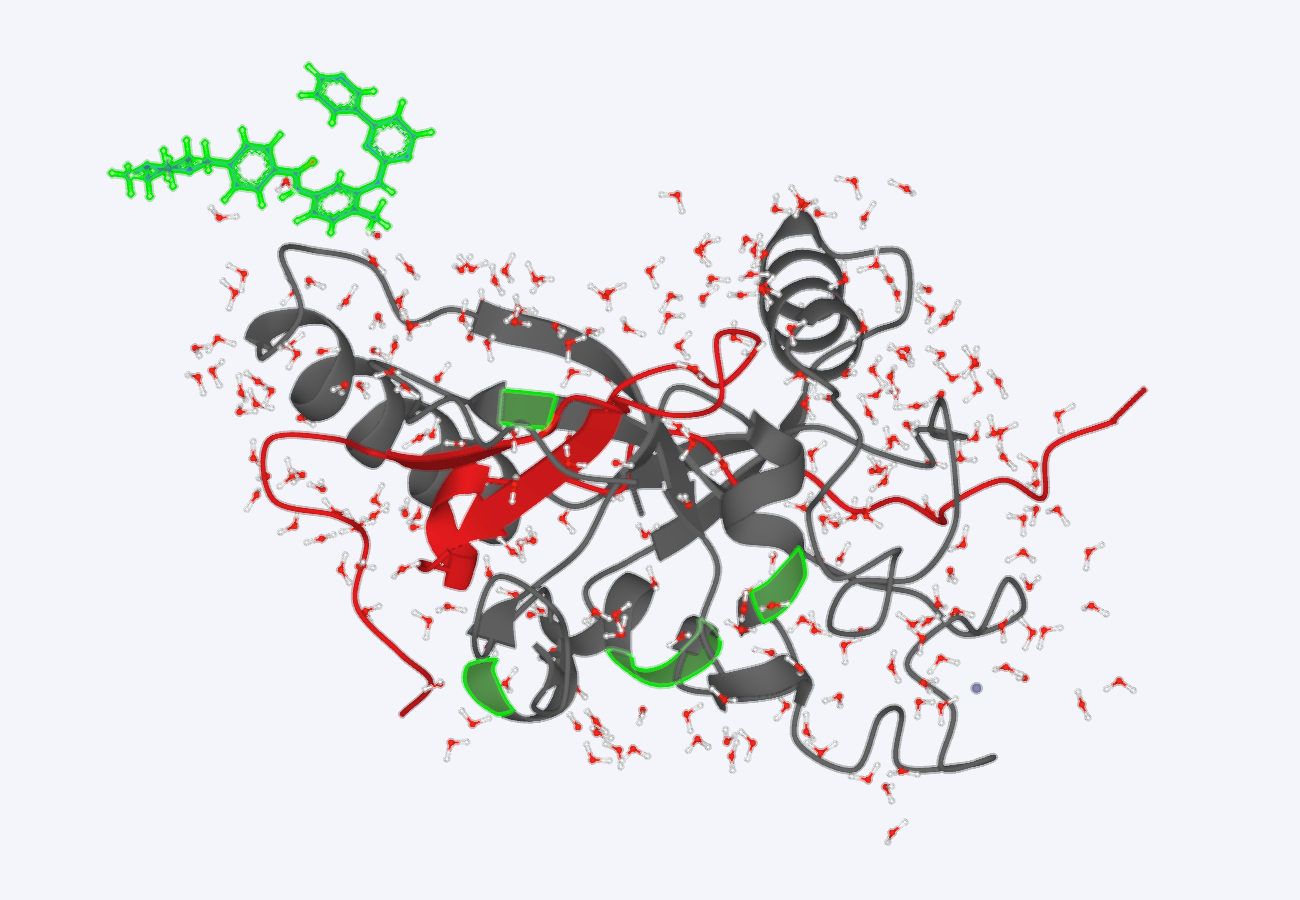 | ||
 | 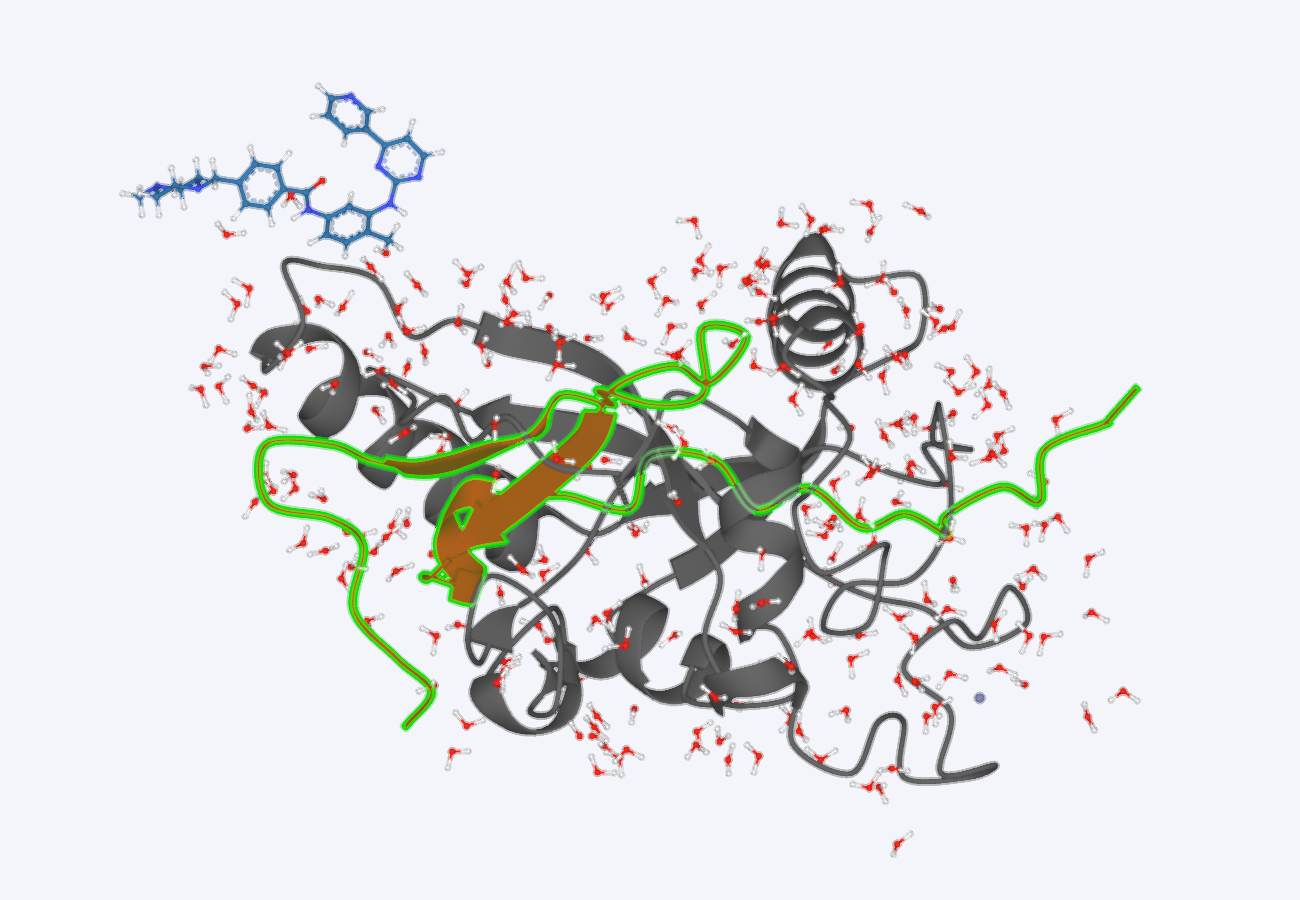 | ||
 | 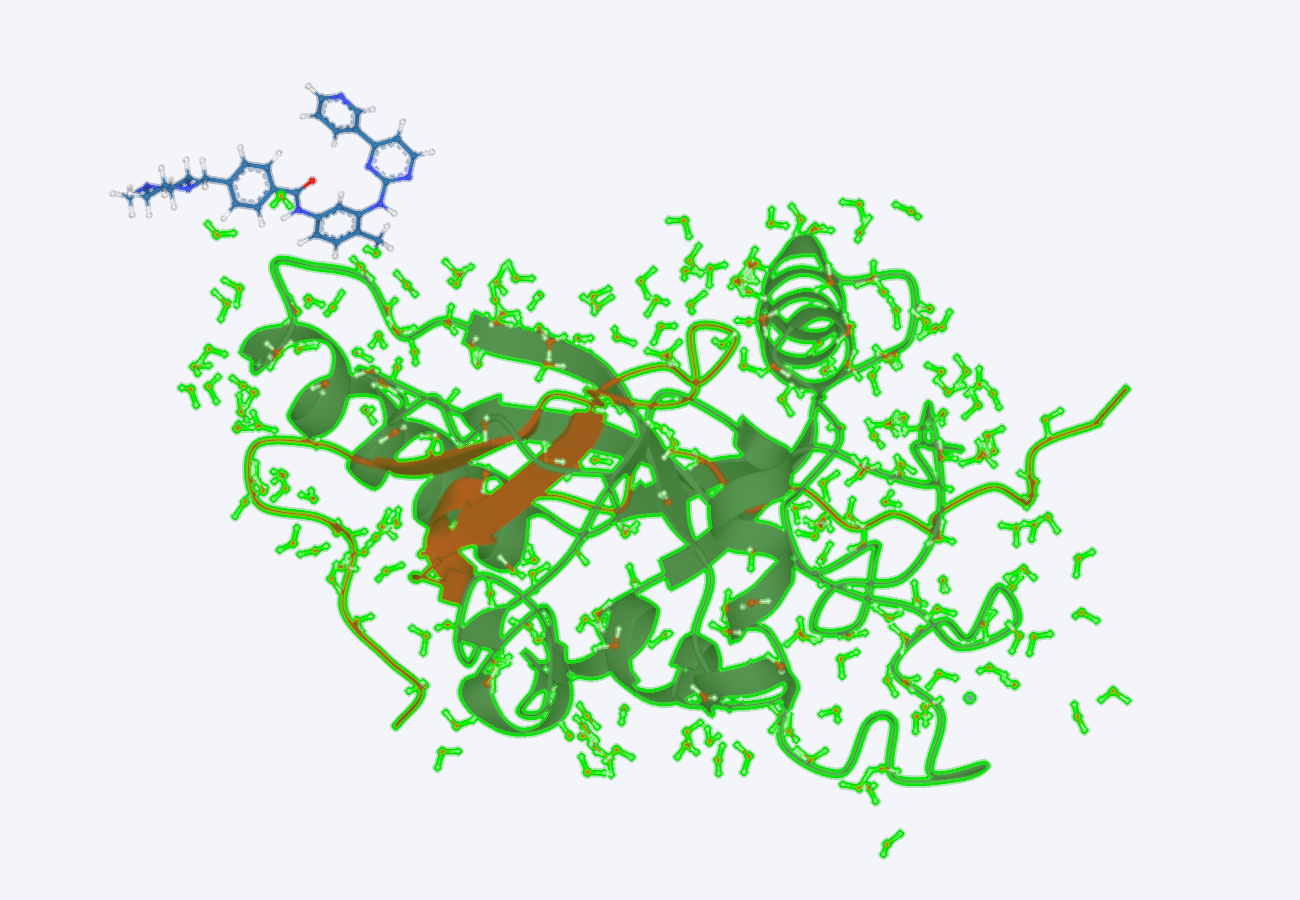 | ||
| Select Proteins |  | 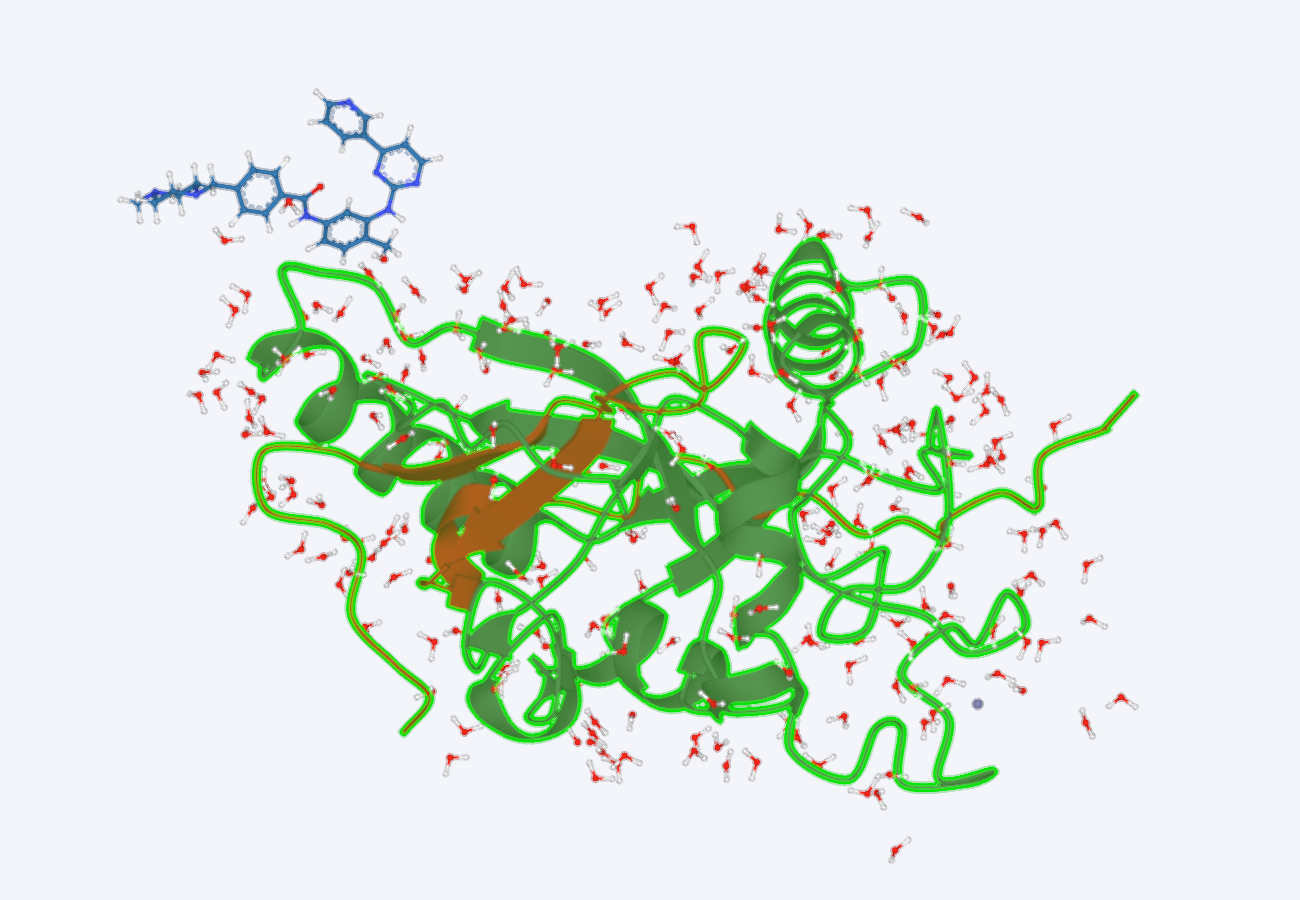 | |
| Select Ligands |  | 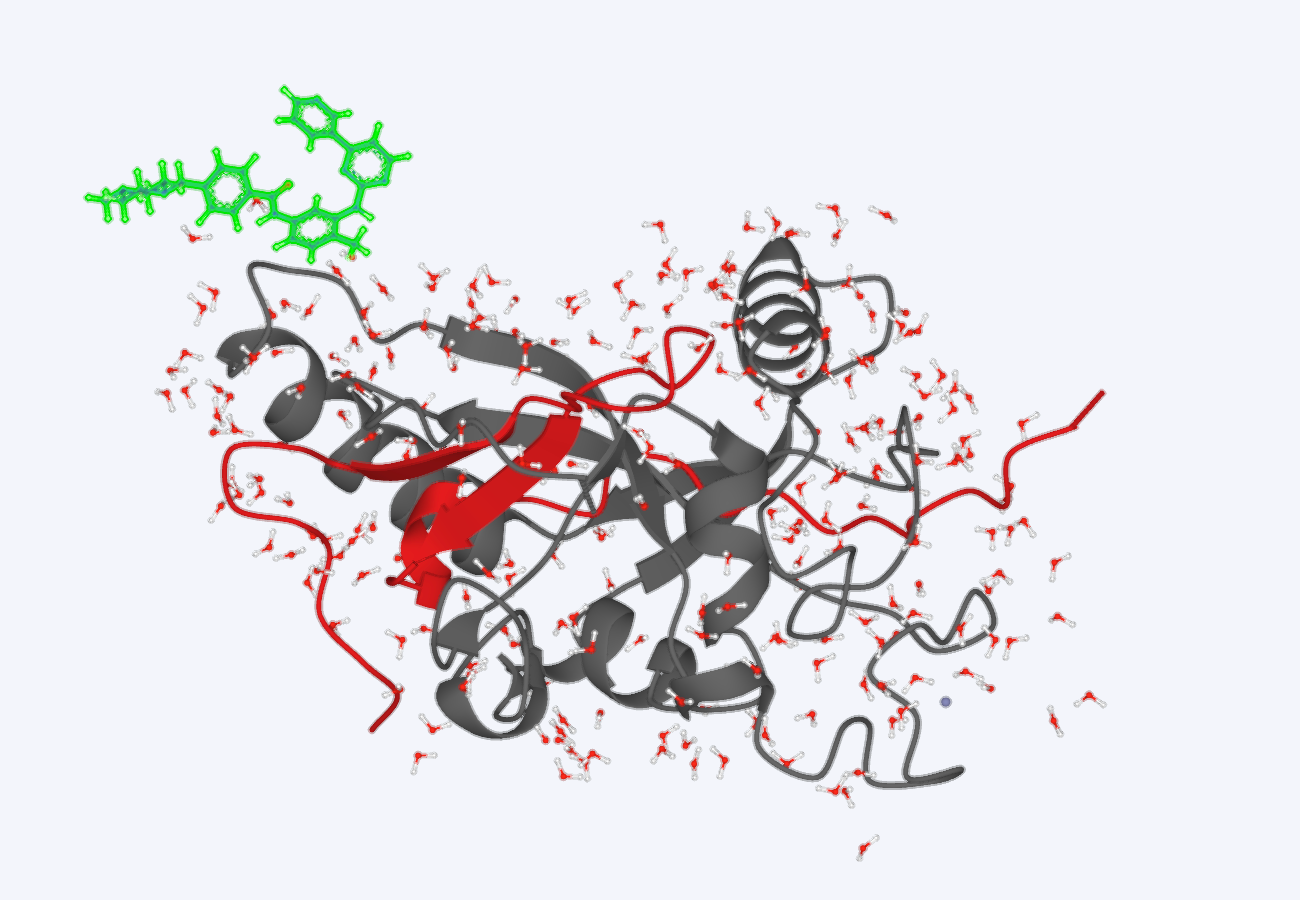 | |
| Select Solvents |  | 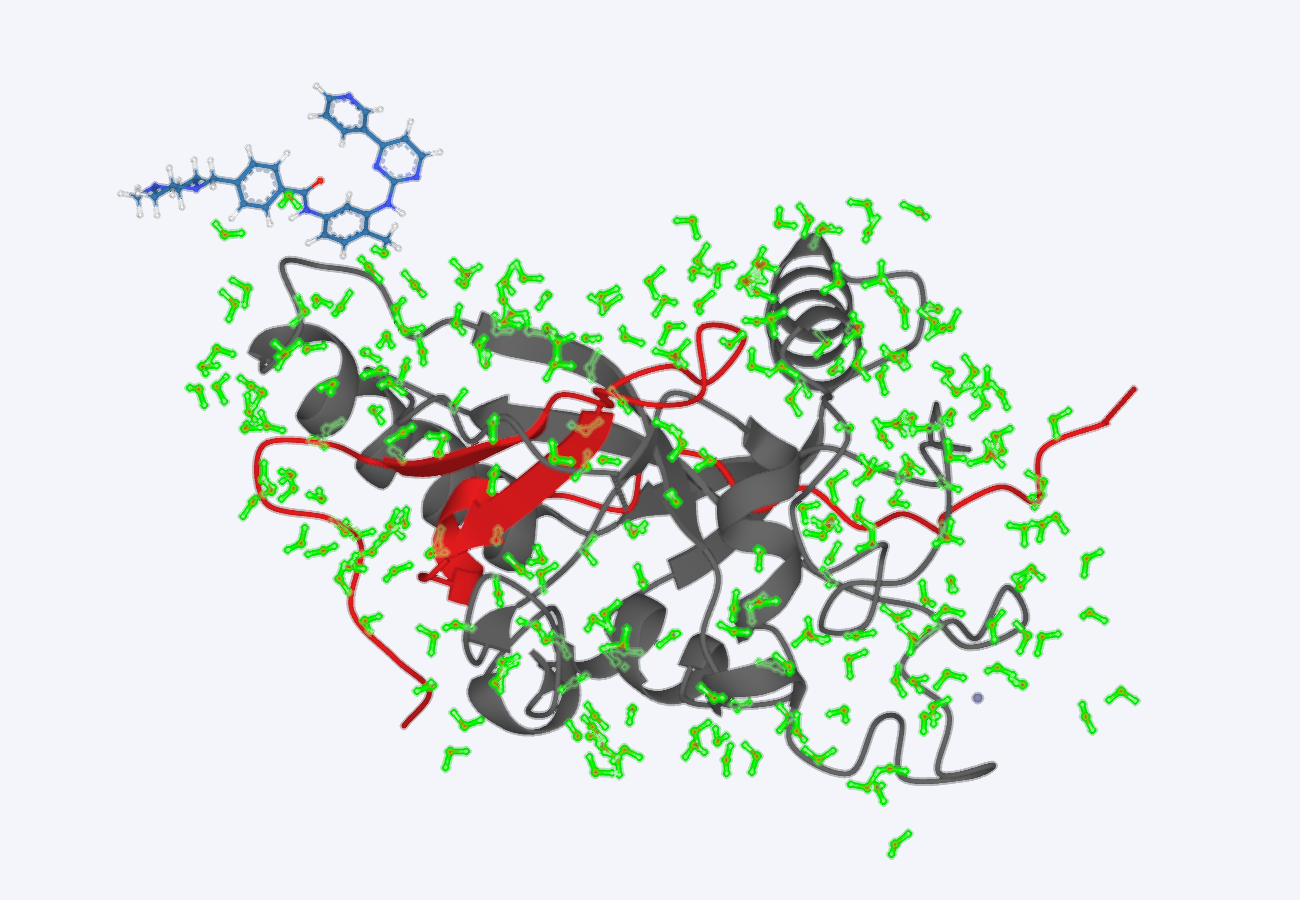 | |
| Expand |  | 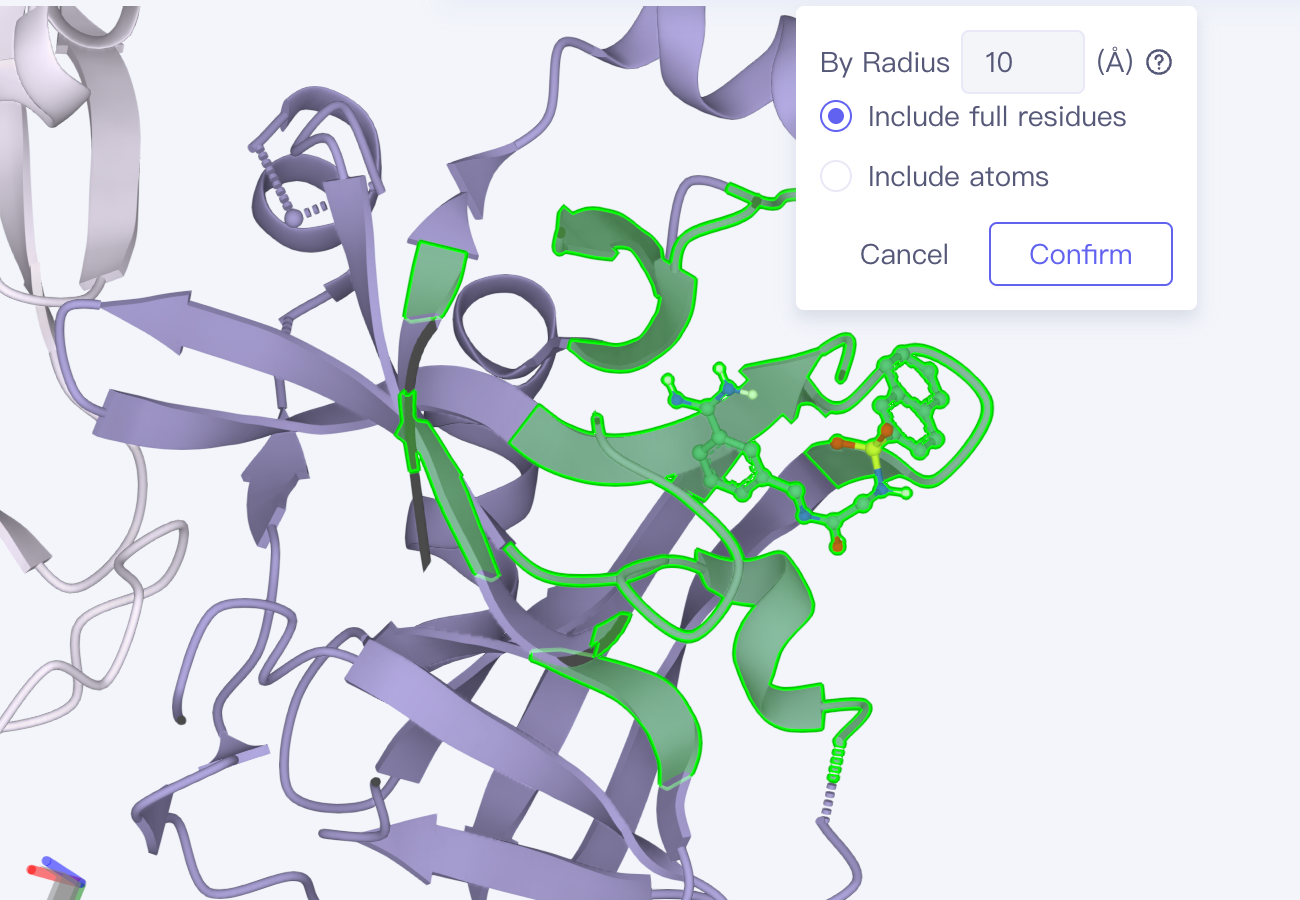 | Select Ligand then Expand to select the surrounding 10 Å Objects |
| Measure |  | 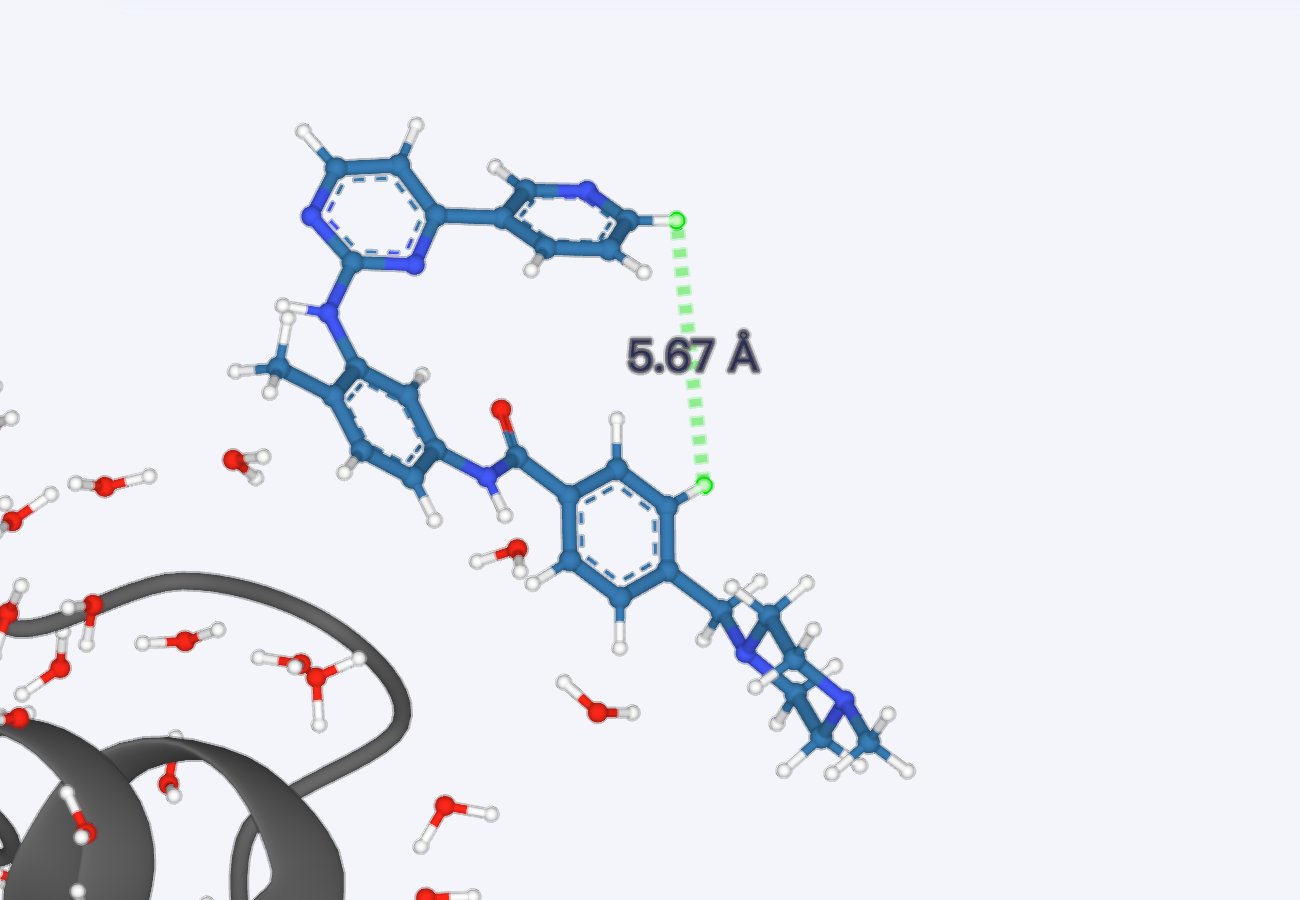 | |
 | 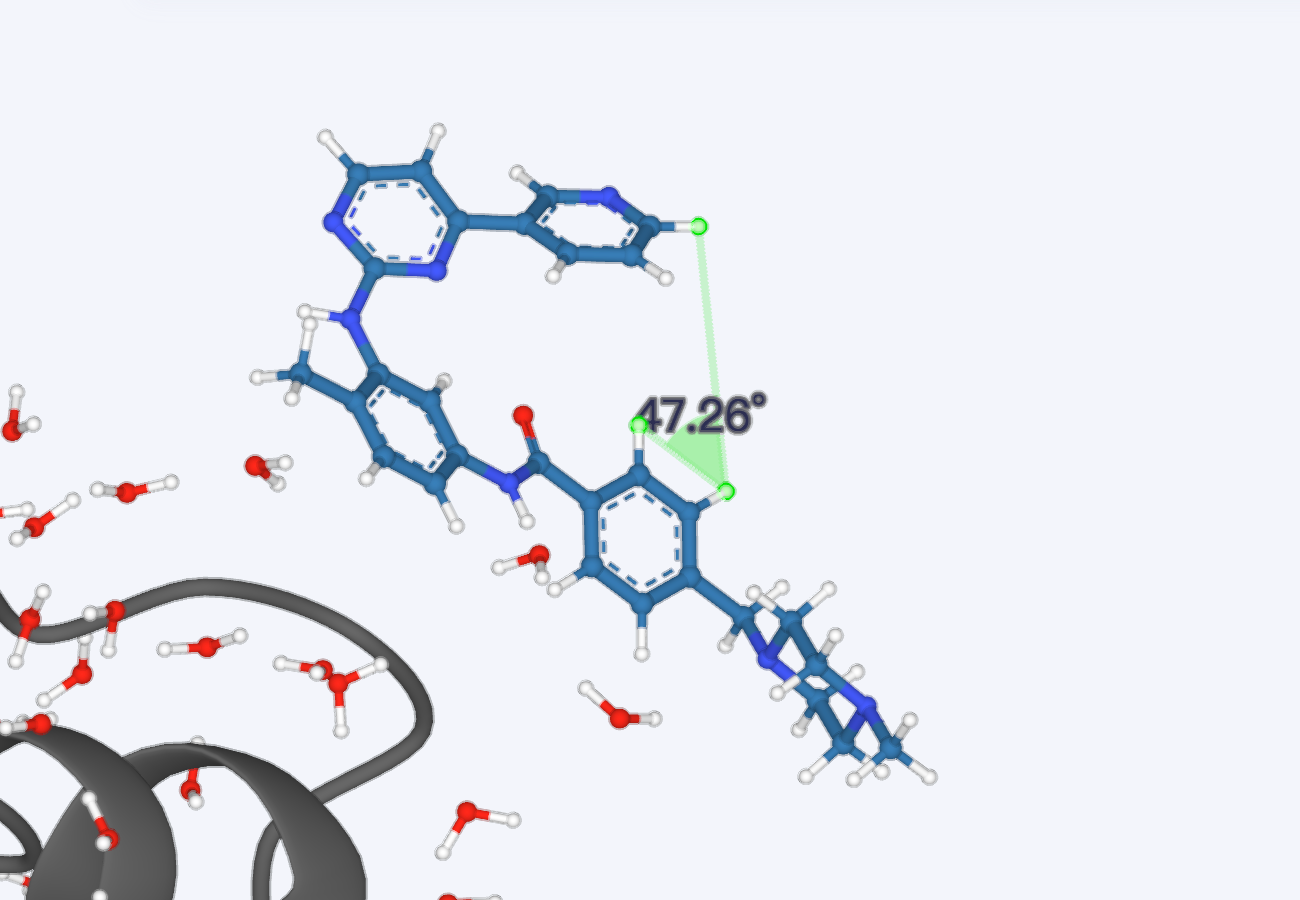 | ||
 | 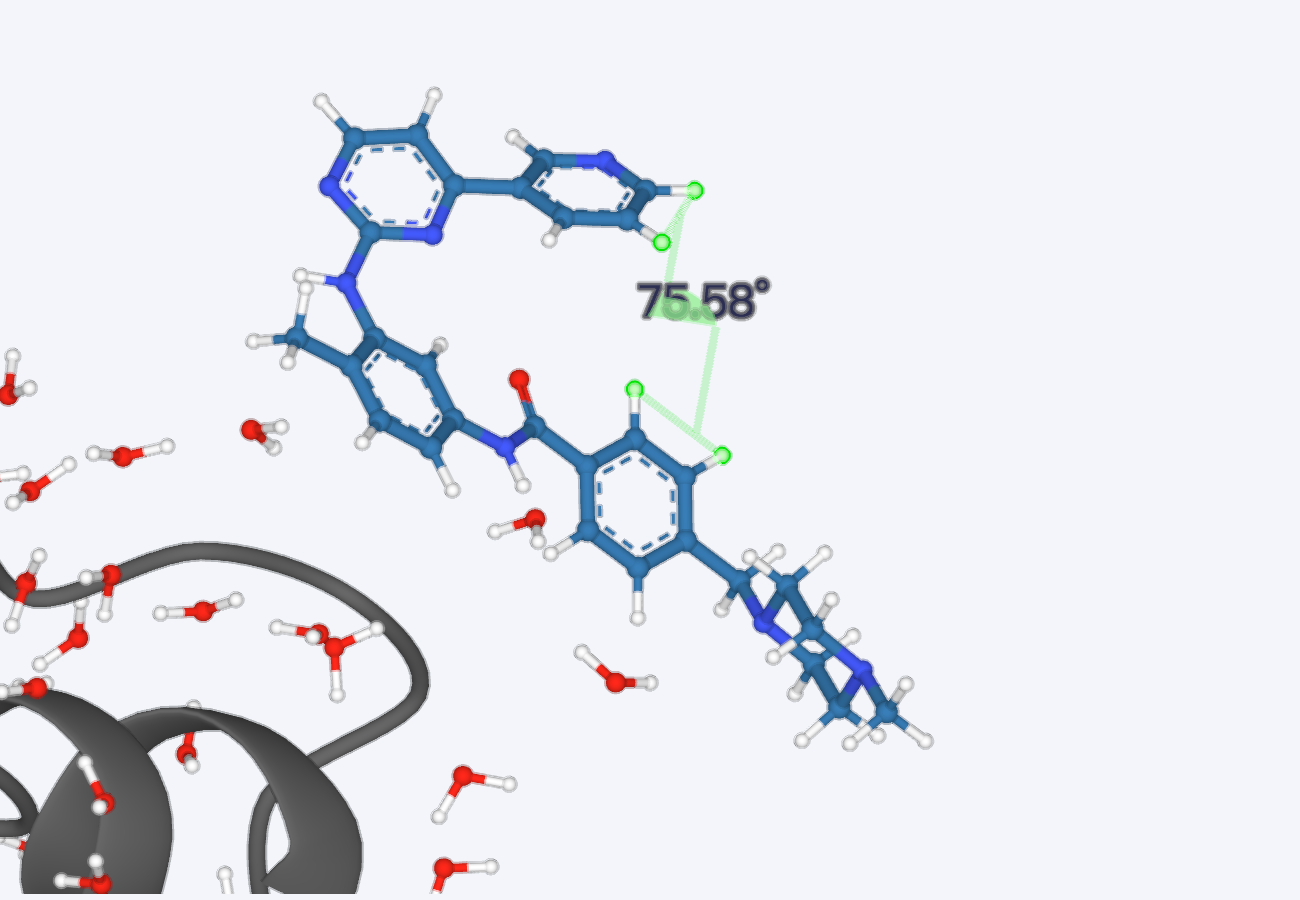 | ||
| Interaction |  | 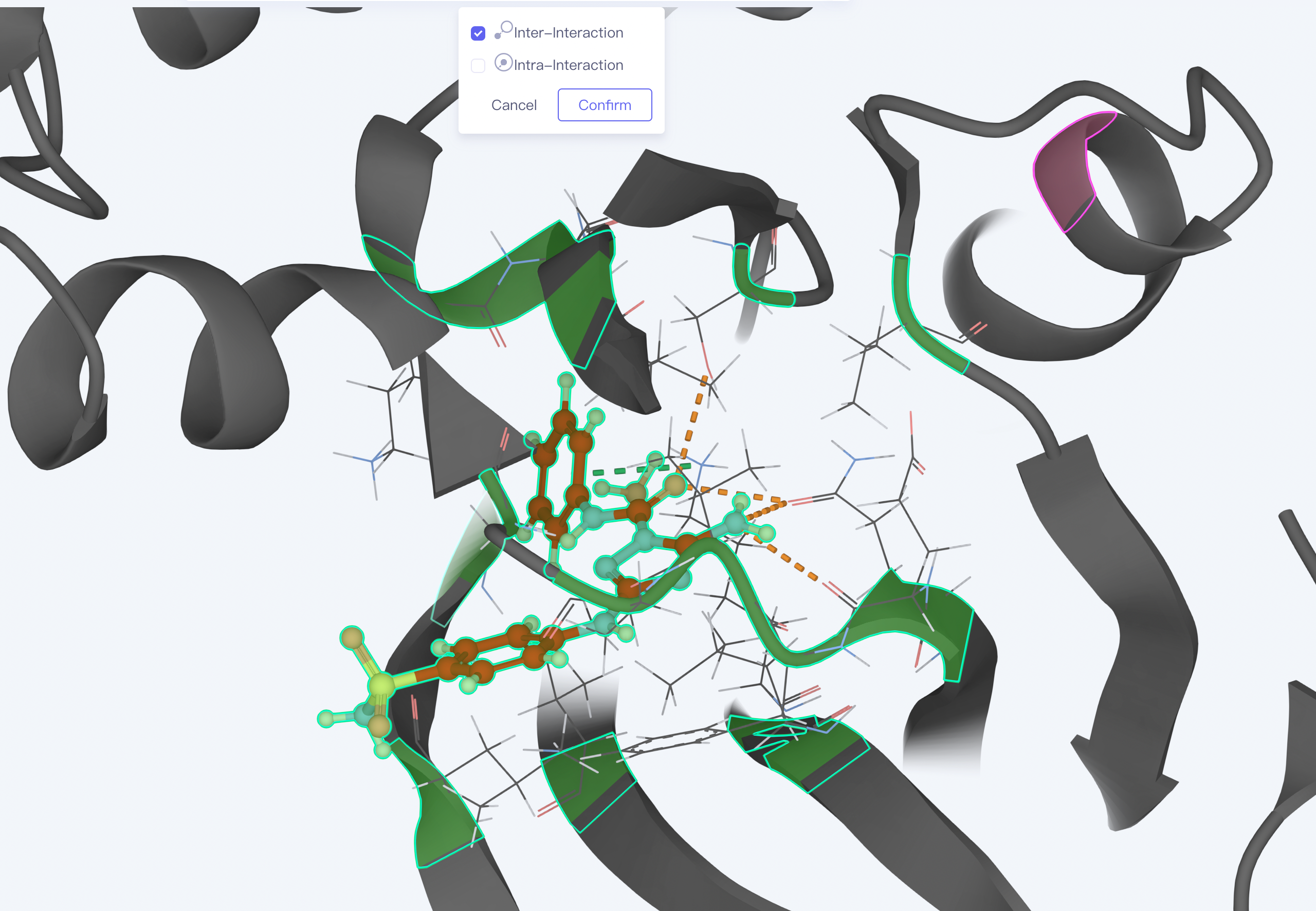 | Intermolecular interaction |
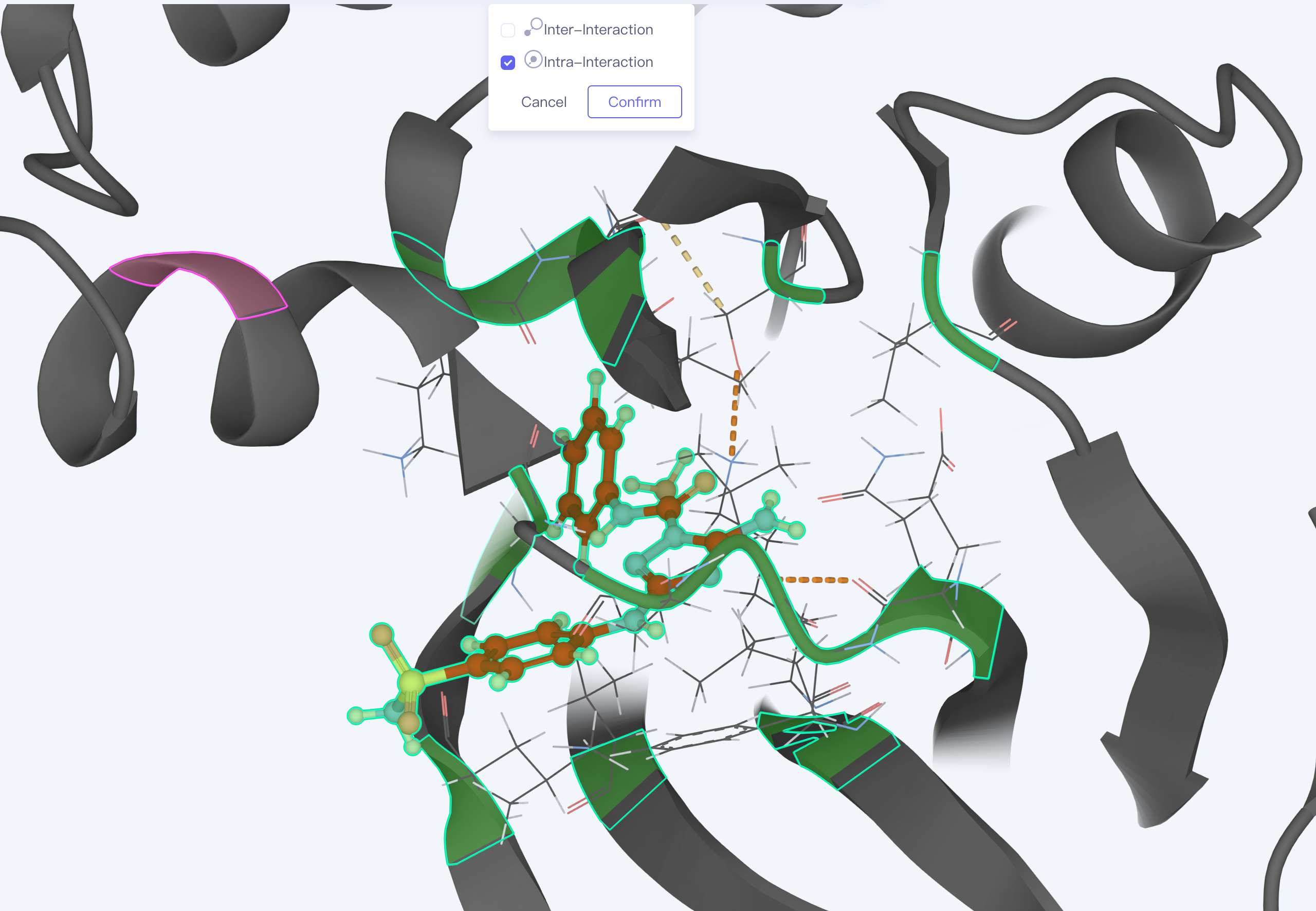 | Intramolecular interaction | ||
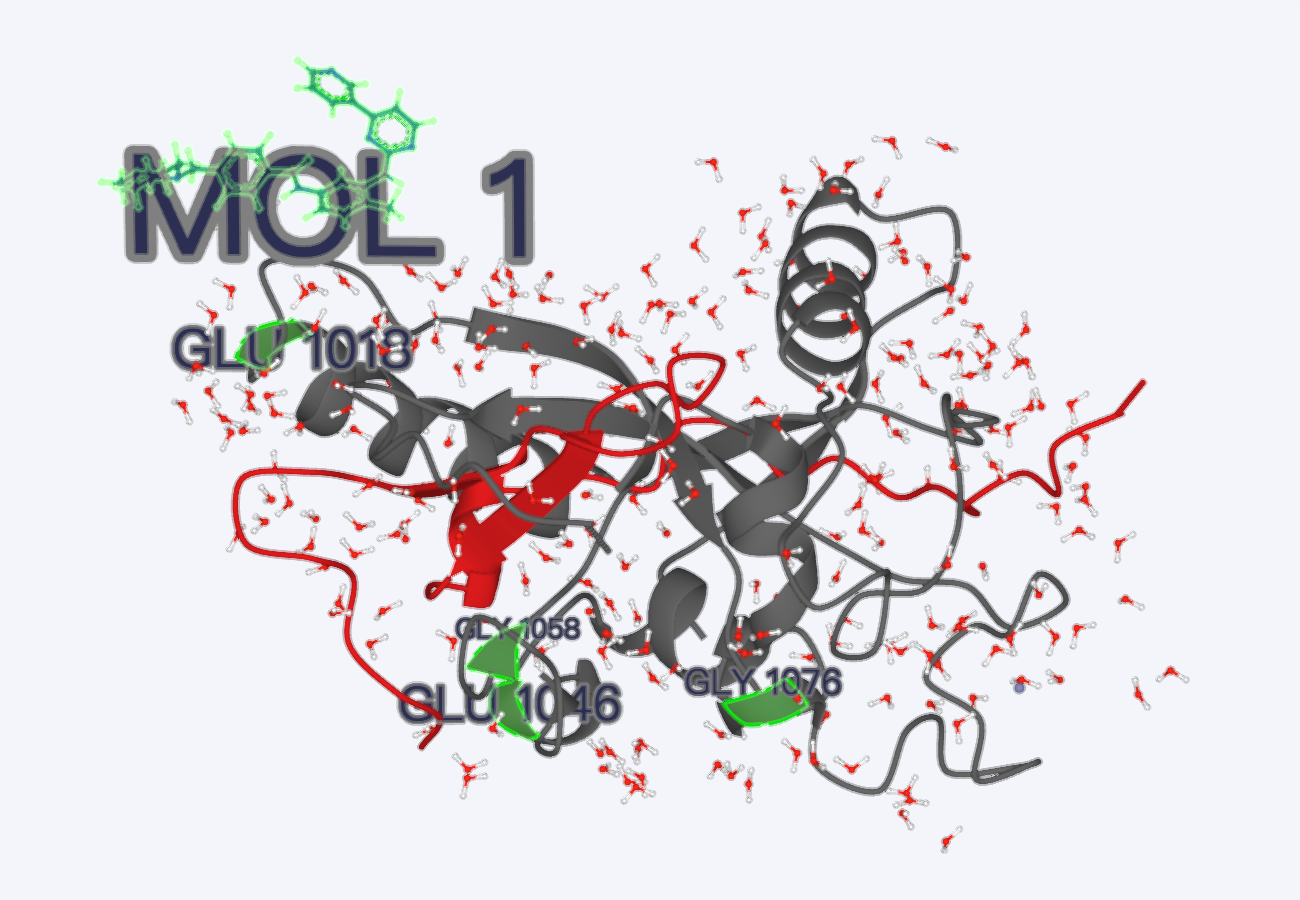
| Label |  | 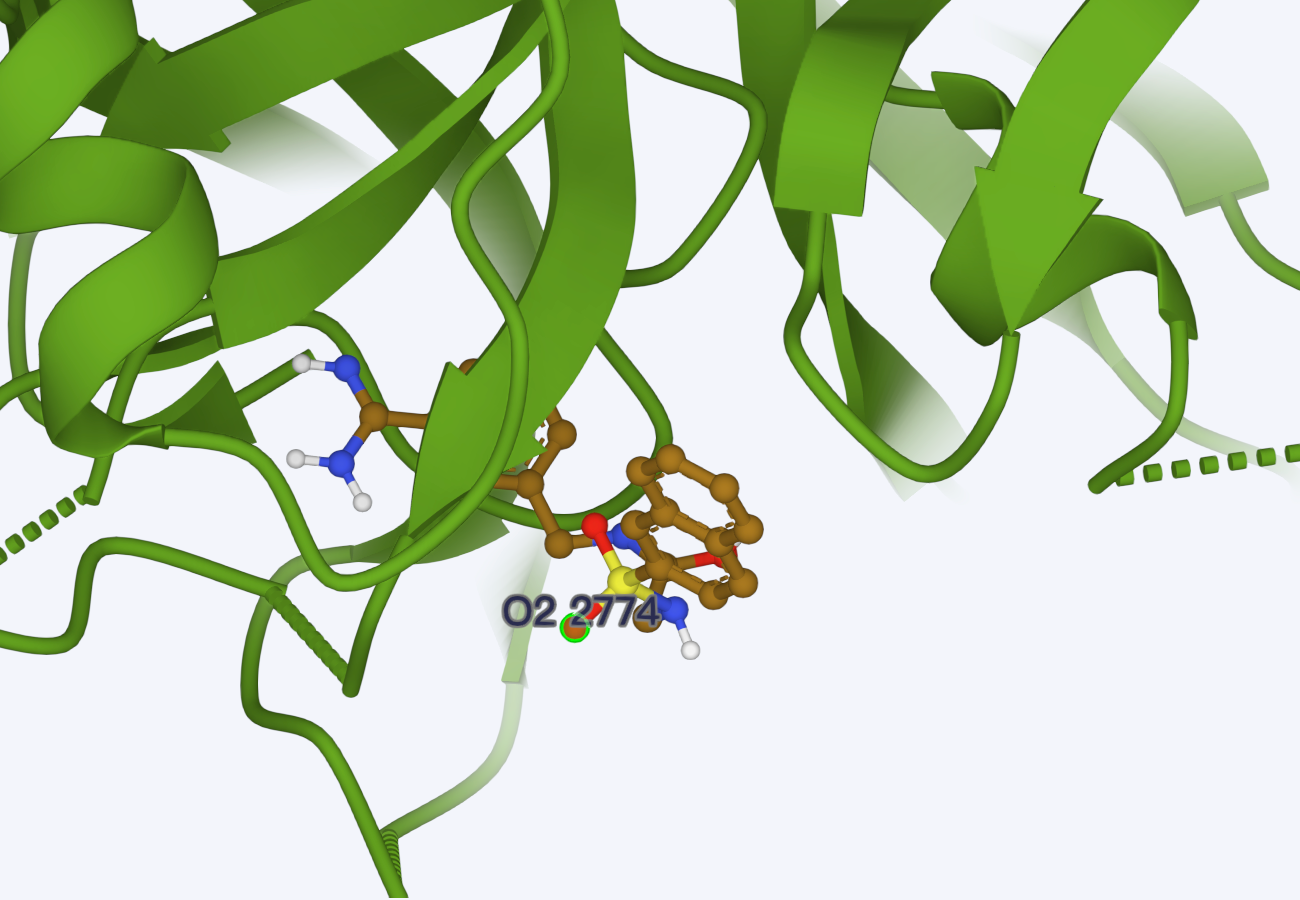 | |
 | |||
| Surface |  | 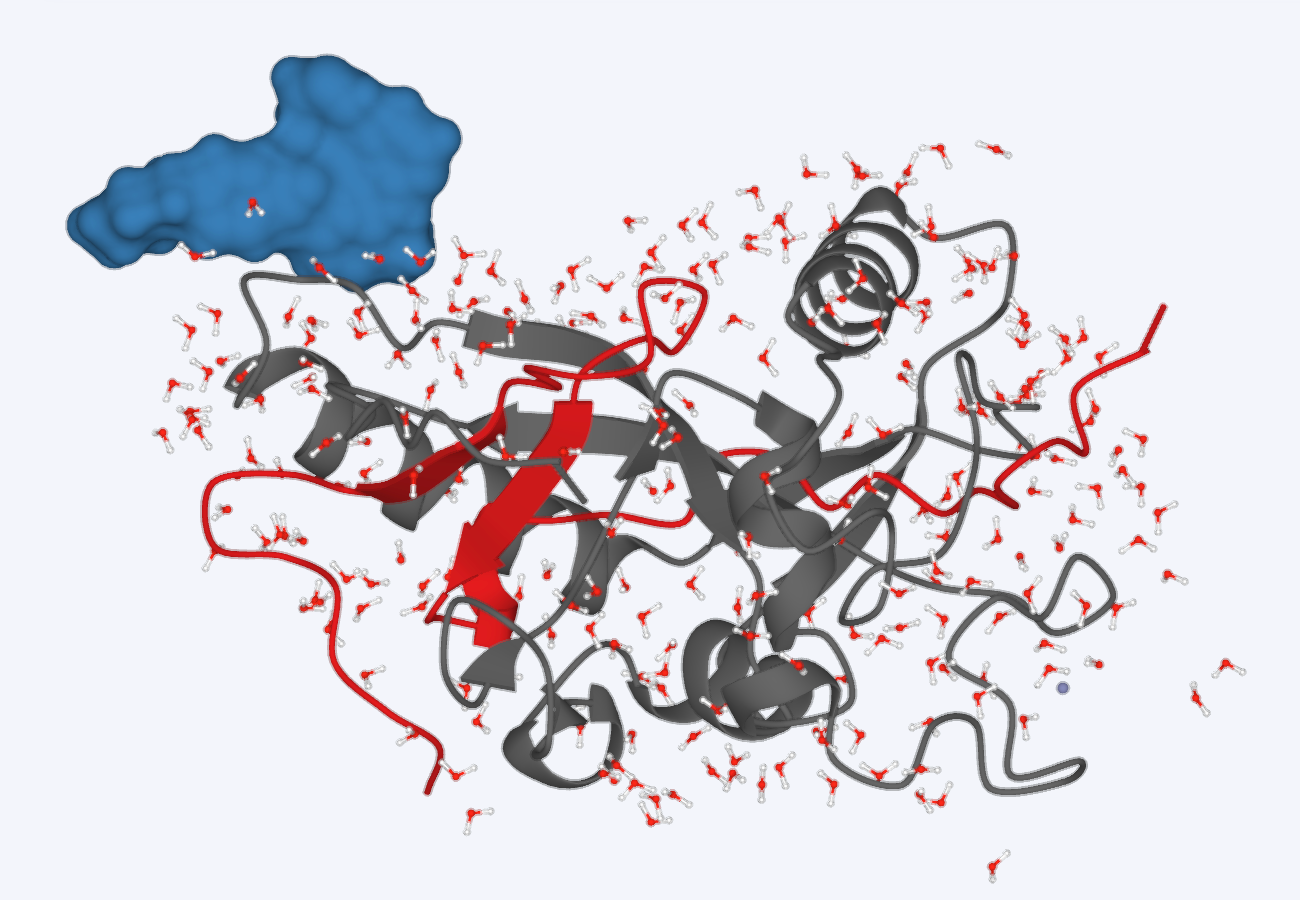 | Example showed the upper left corner of the picture, generating Surface for ligands. |
| Ribbon |  | 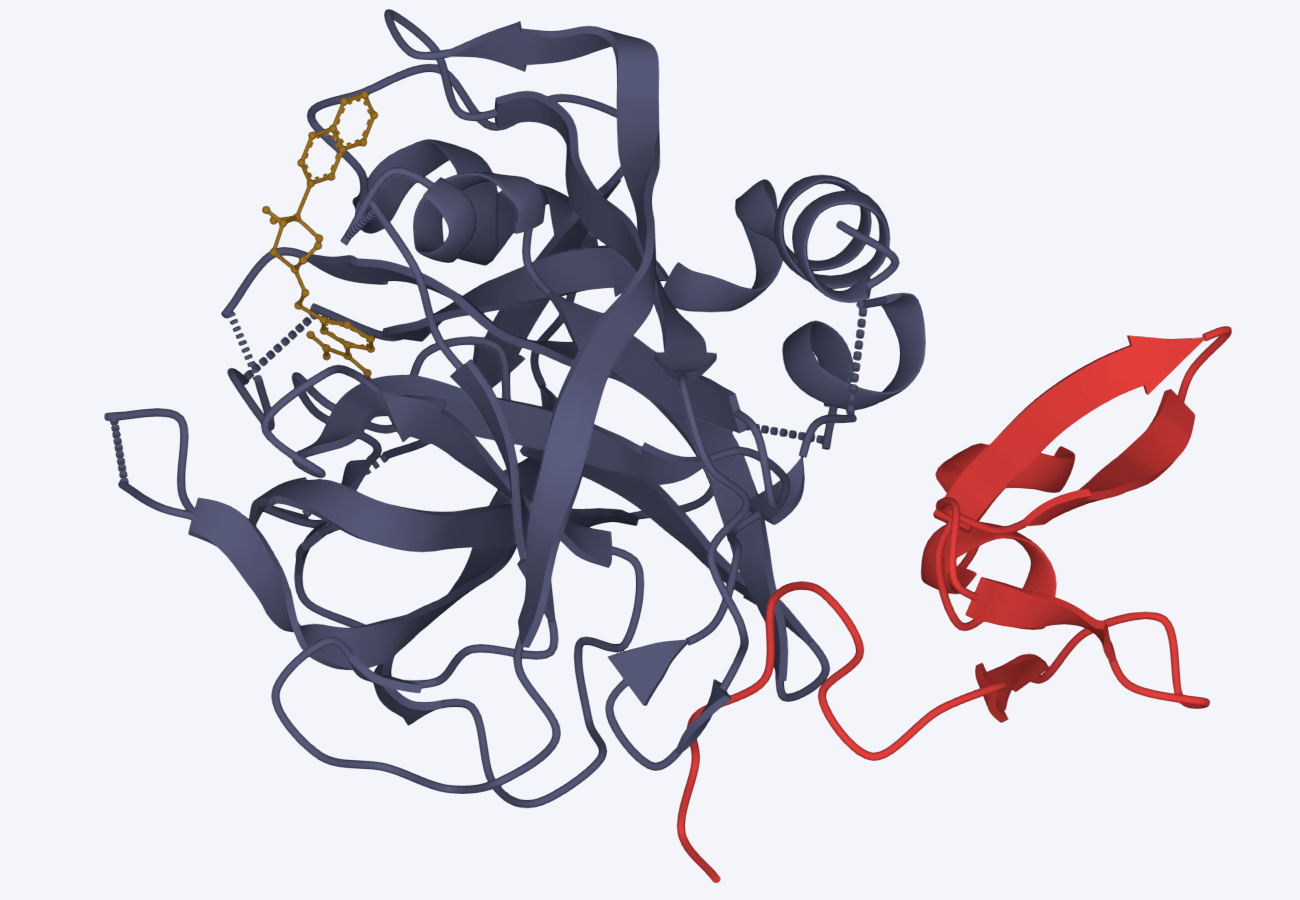 | |
| Line |  | 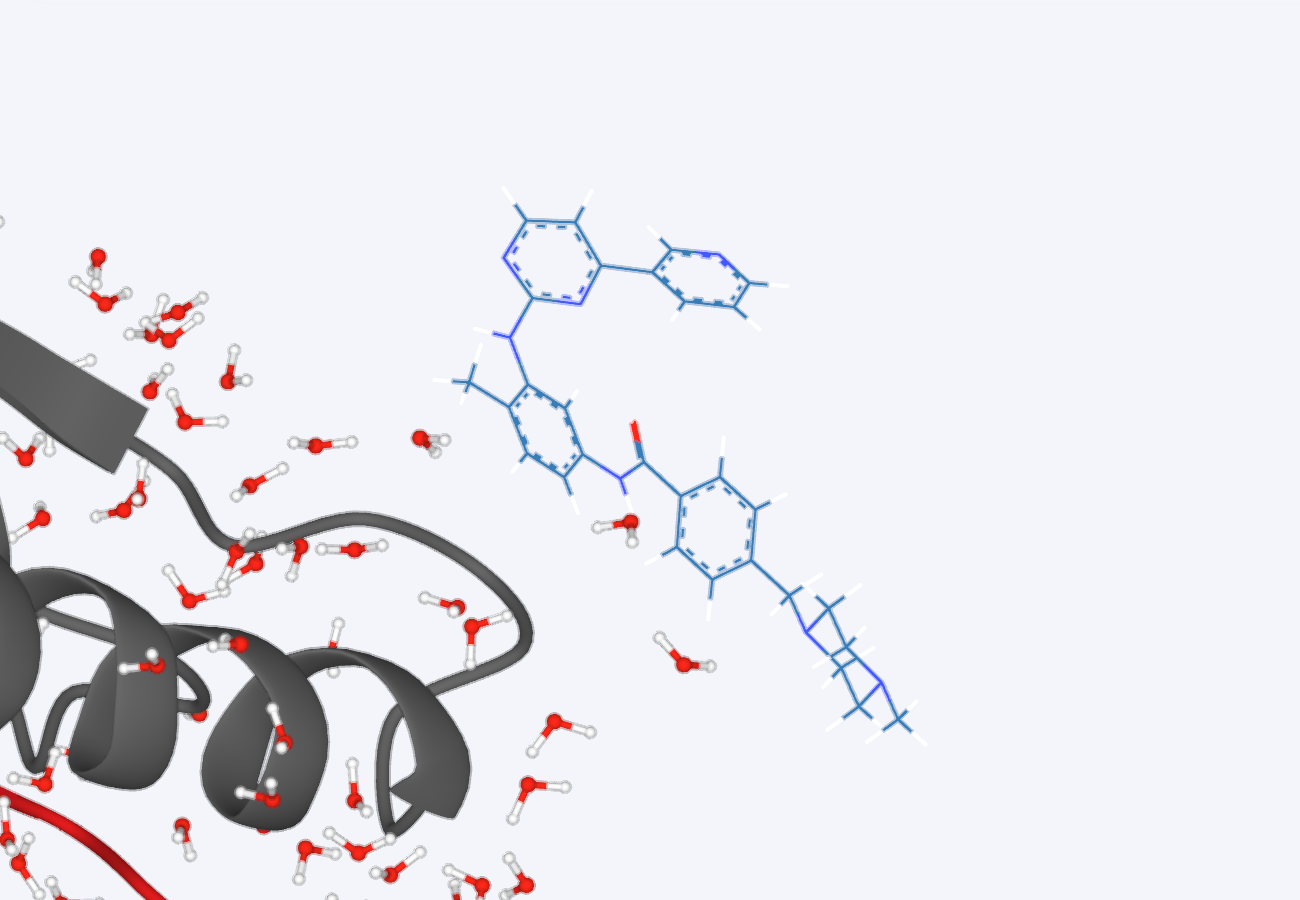 | |
| Stick |  | 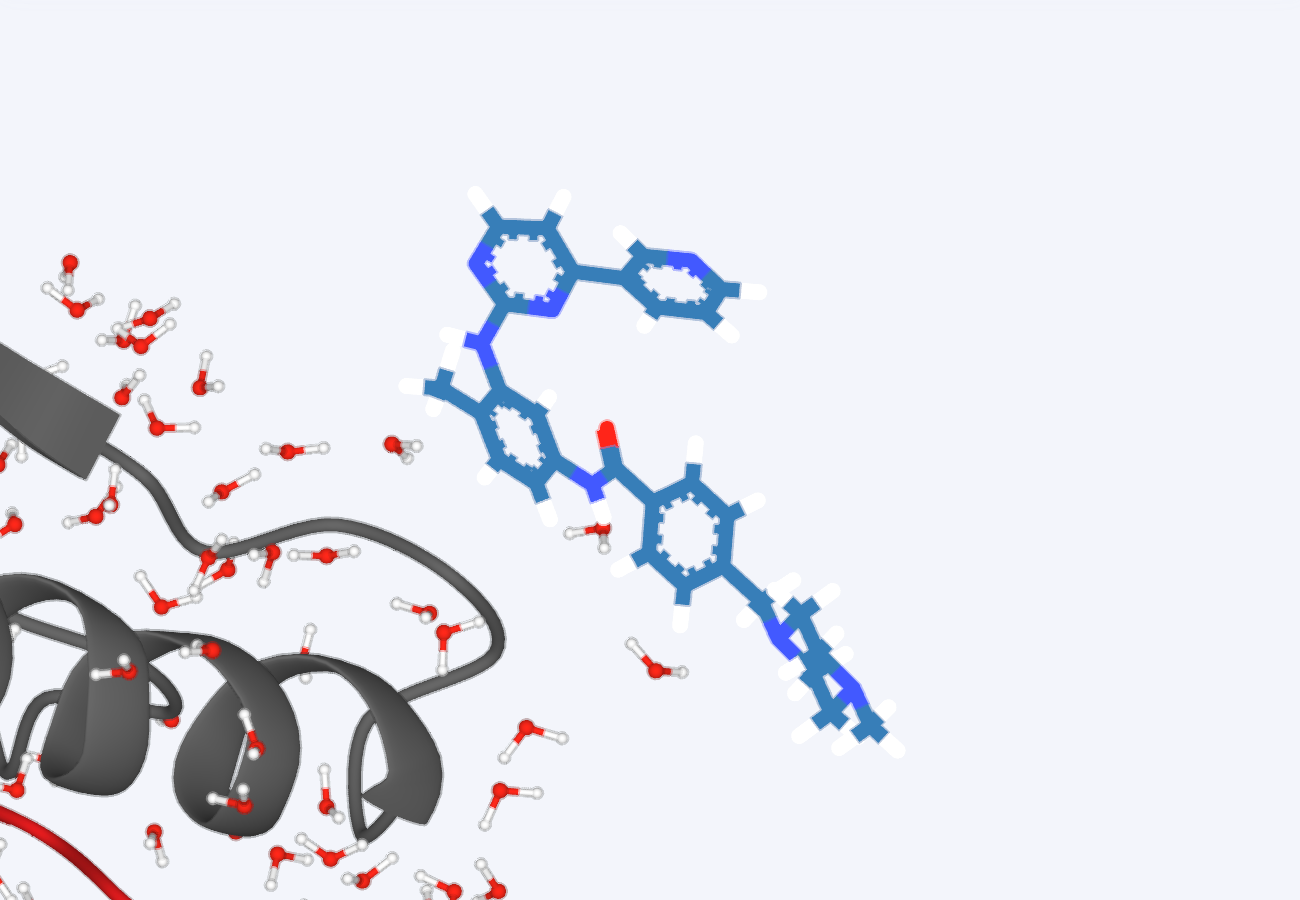 | |
| Ball & Stick |  | 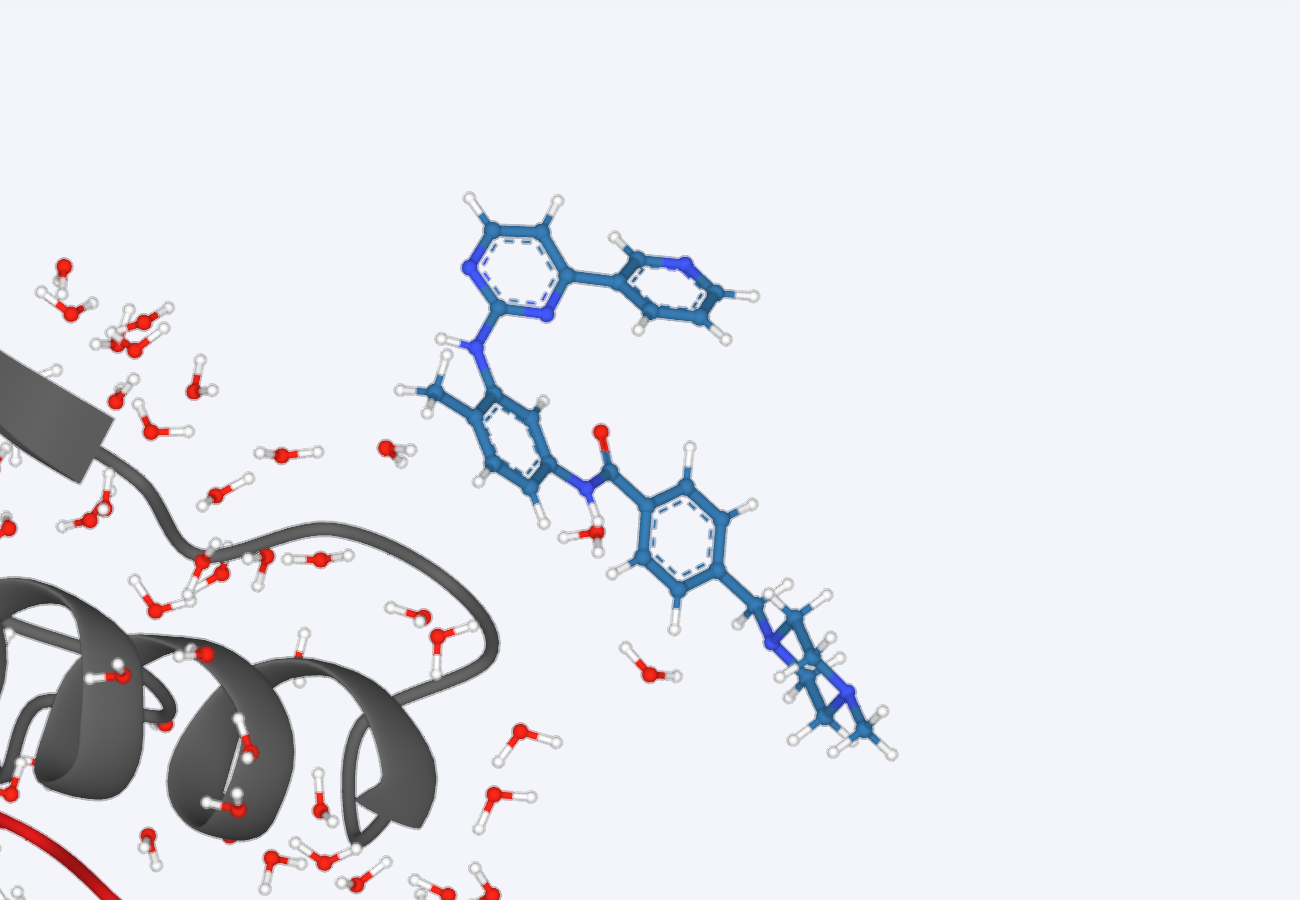 | |
| CPK |  | 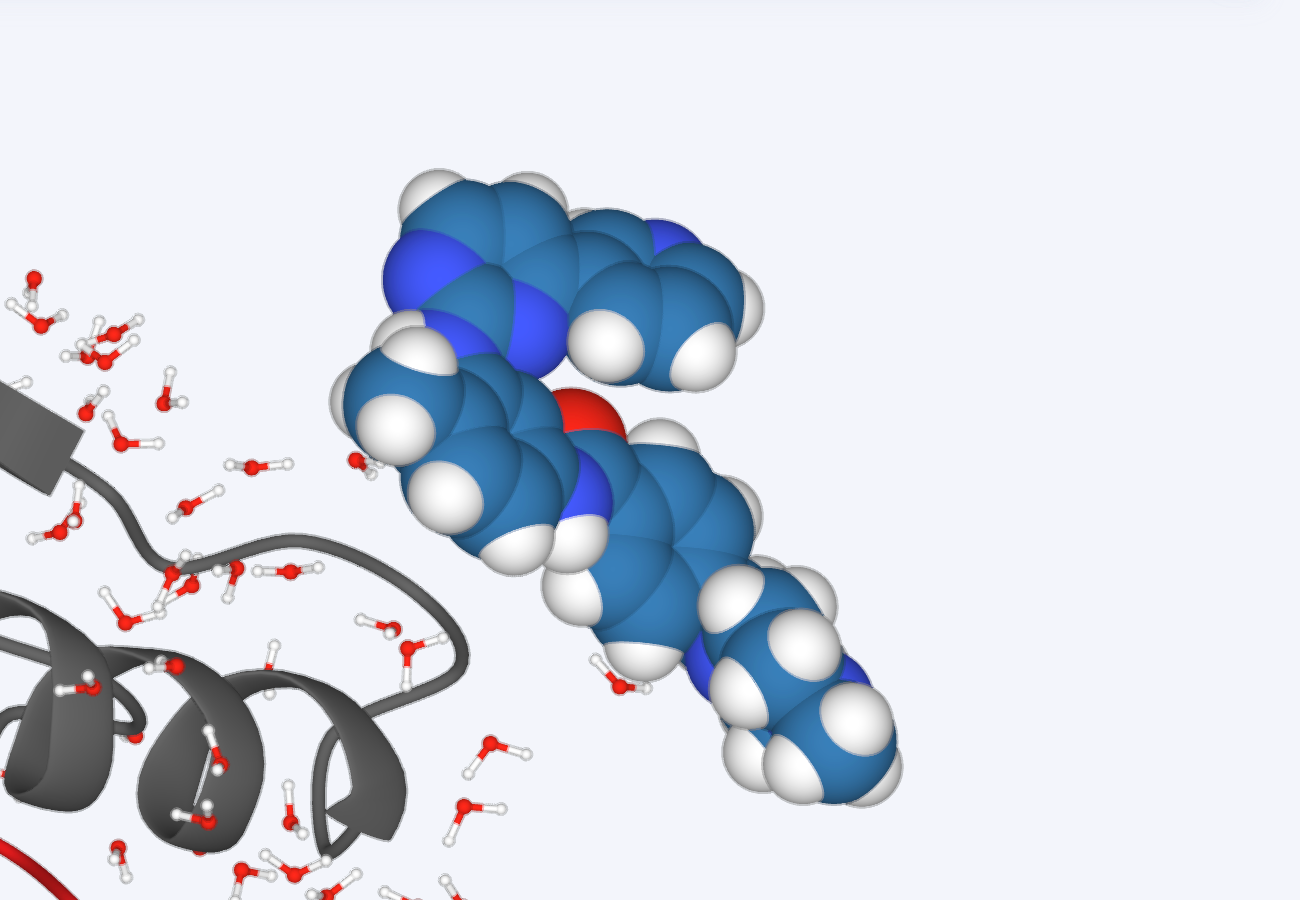 | |
| Setting |  | 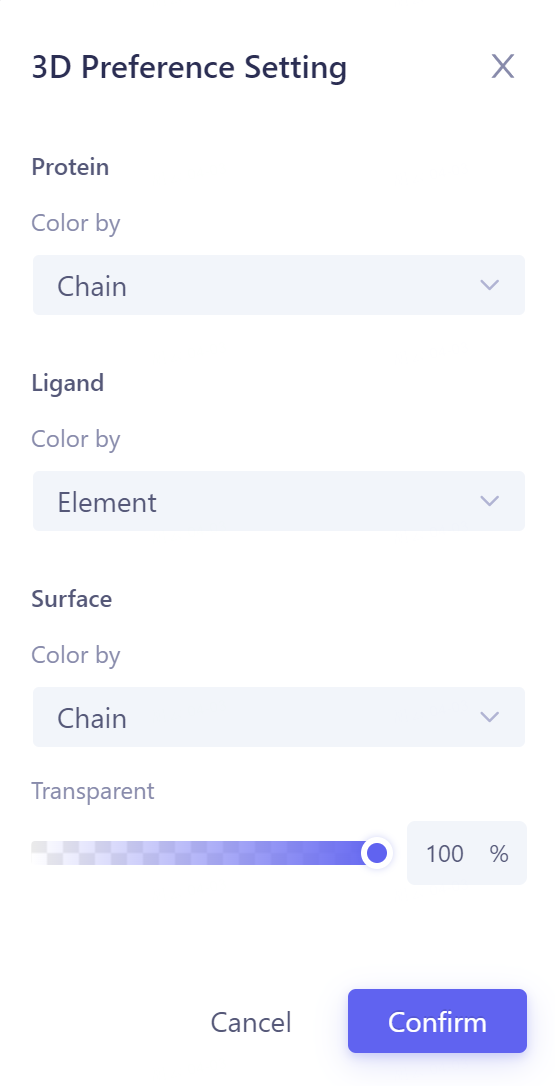 | Protein coloring, set according to Residue, Chain, Hydrophobicity, Sencondary Structure and Antibody Structure; Ligand coloring, set according to Element and Atom Charge; Surface shading, set according to Residue, Chain, Hydrophobicity, Atom Charge, Solvent Accesibility; Transparent: set the transparency of the Surface. |
- 3D Works pace Sidebar:
| Name of the operation | Icon | Before | After | Remarks |
| Zoom In |  | 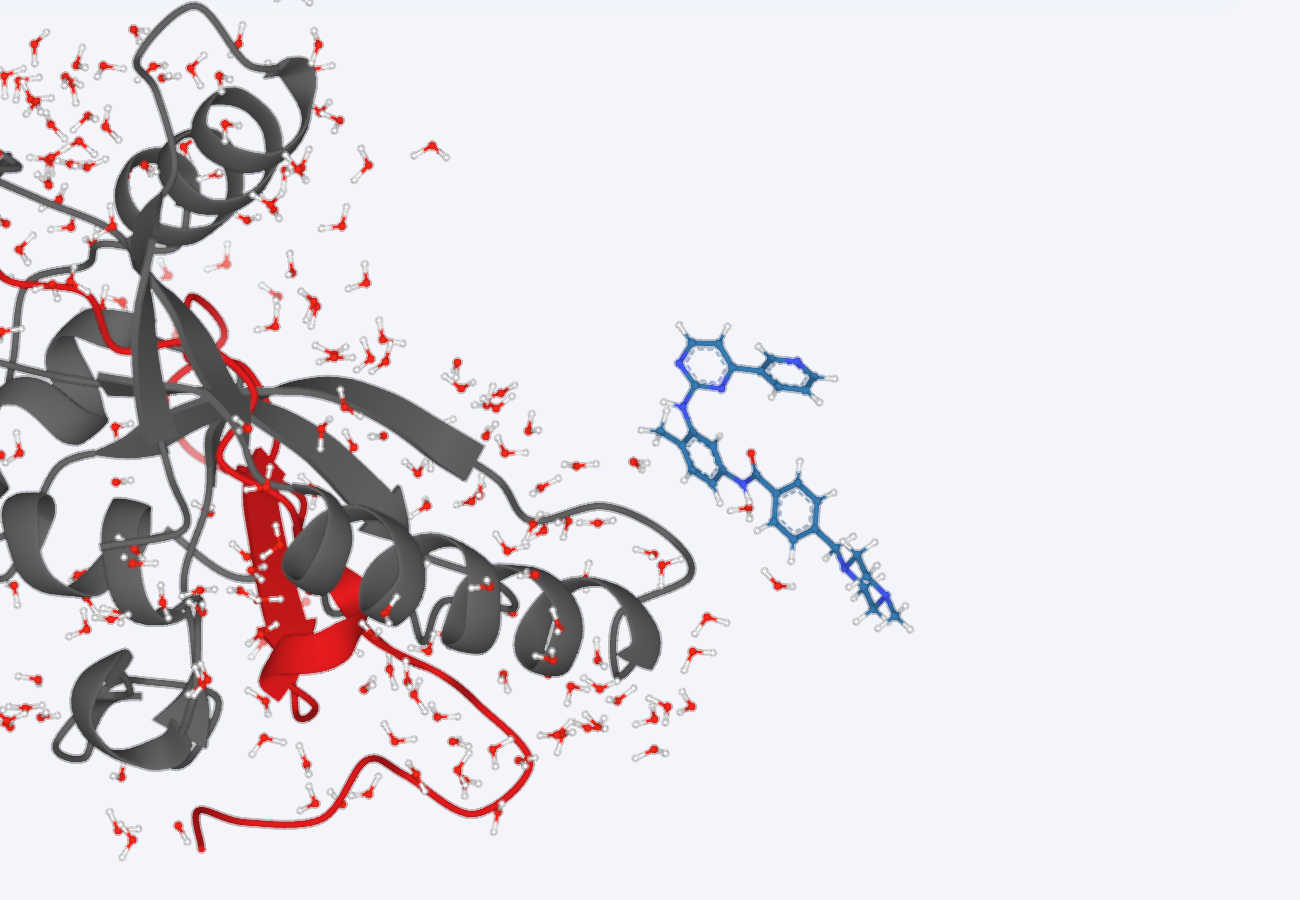 | 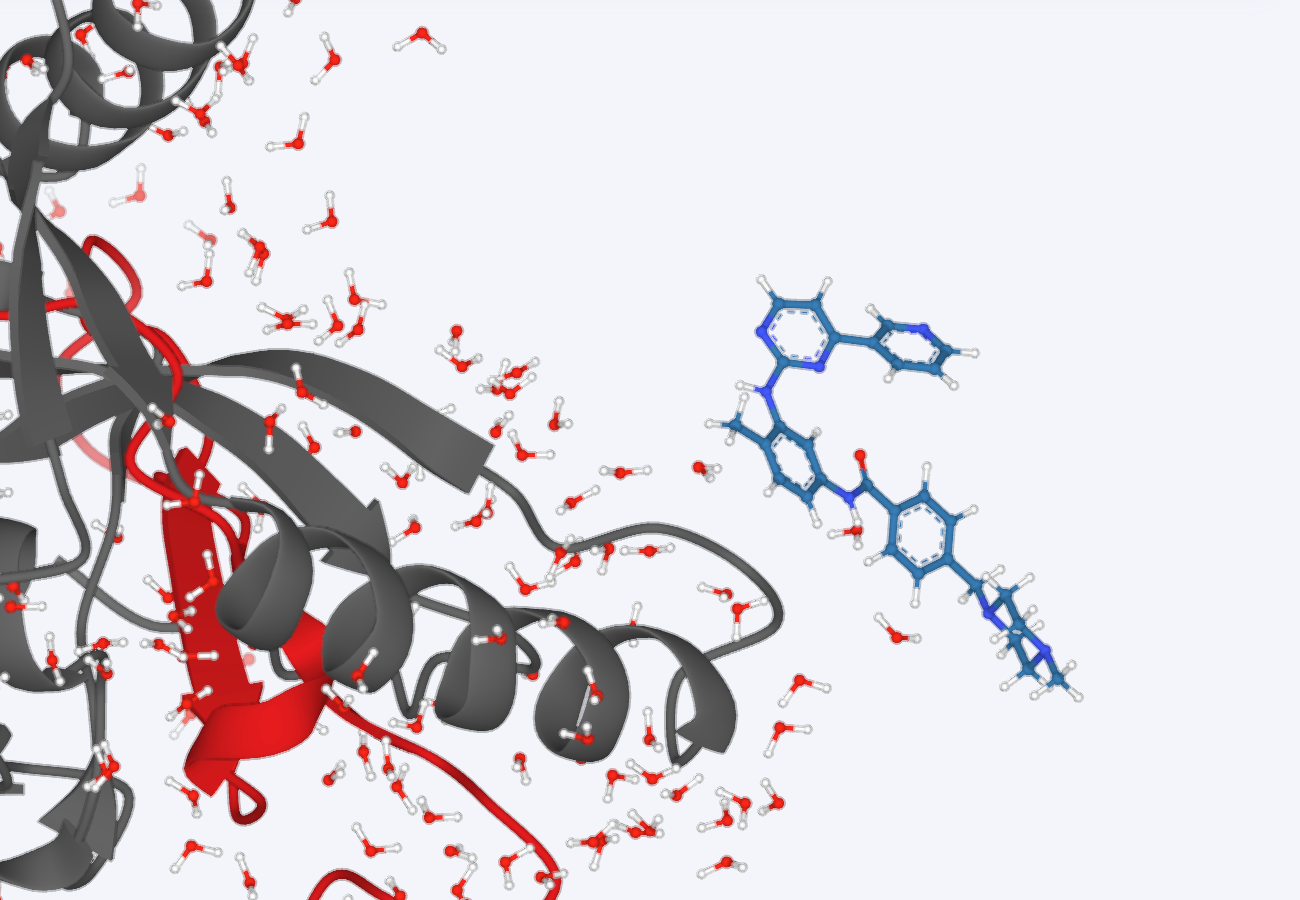 | |
| Zoom Out |  | | | |
| Reset |  | | 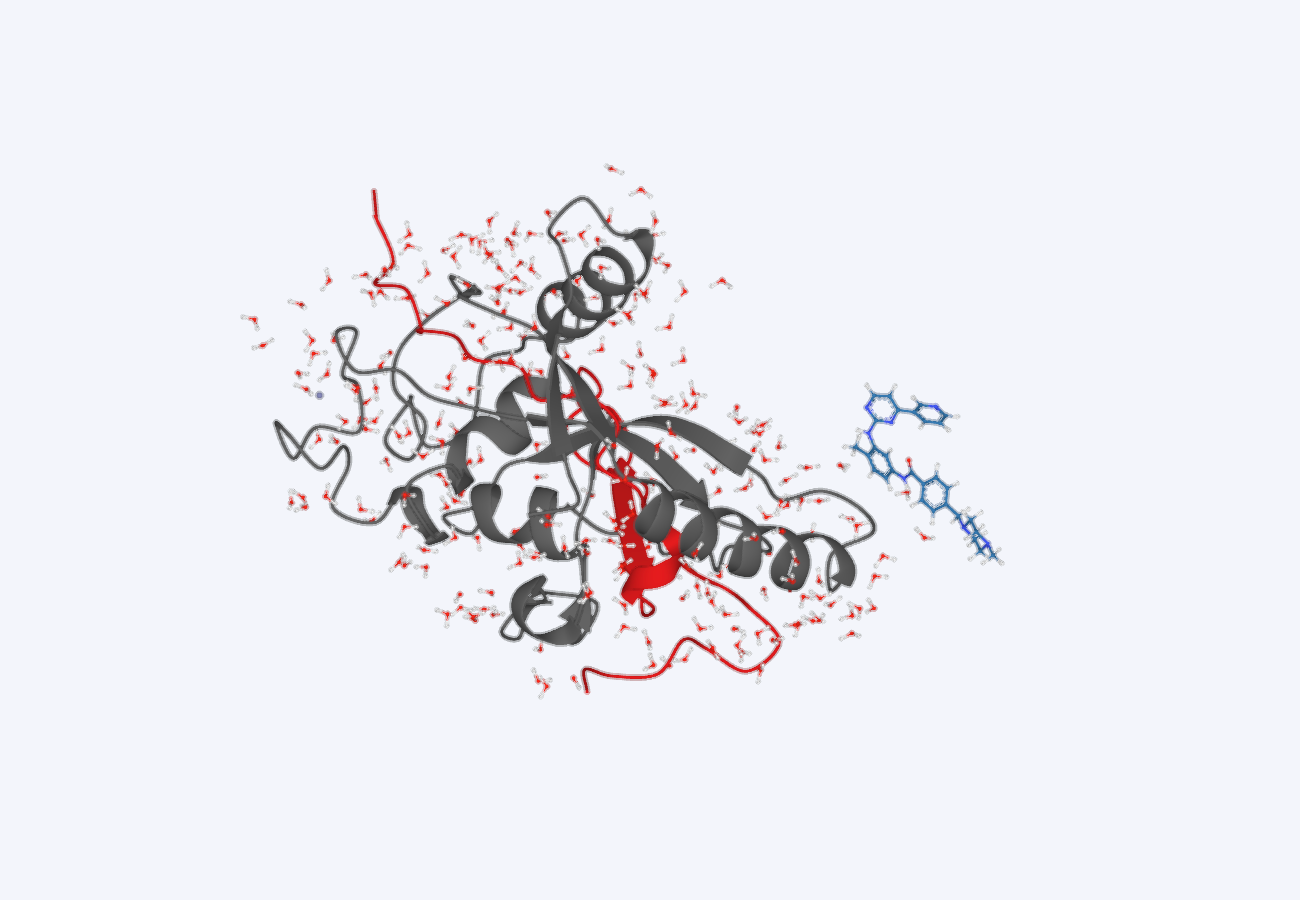 | |
| Focus |  | 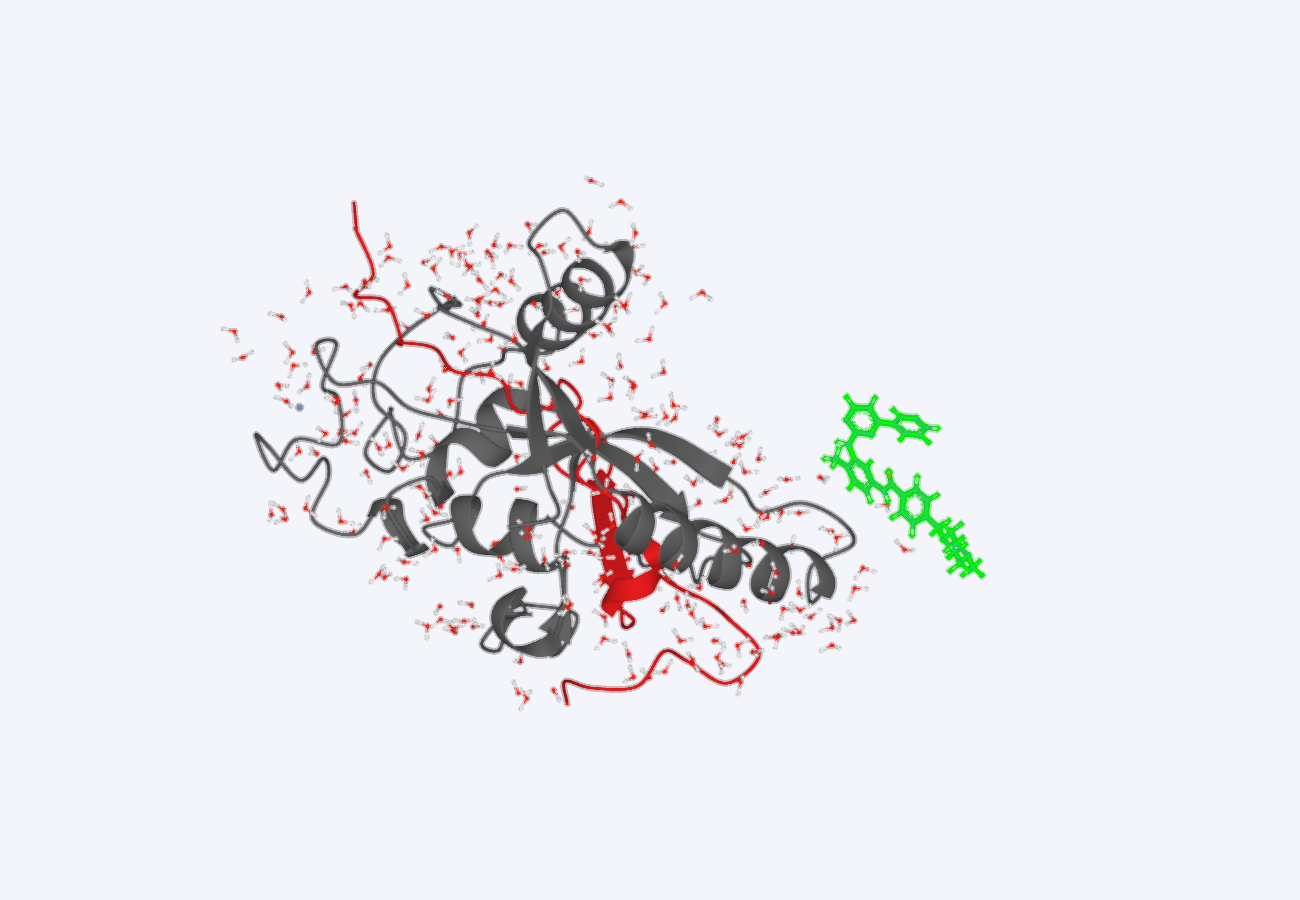 | 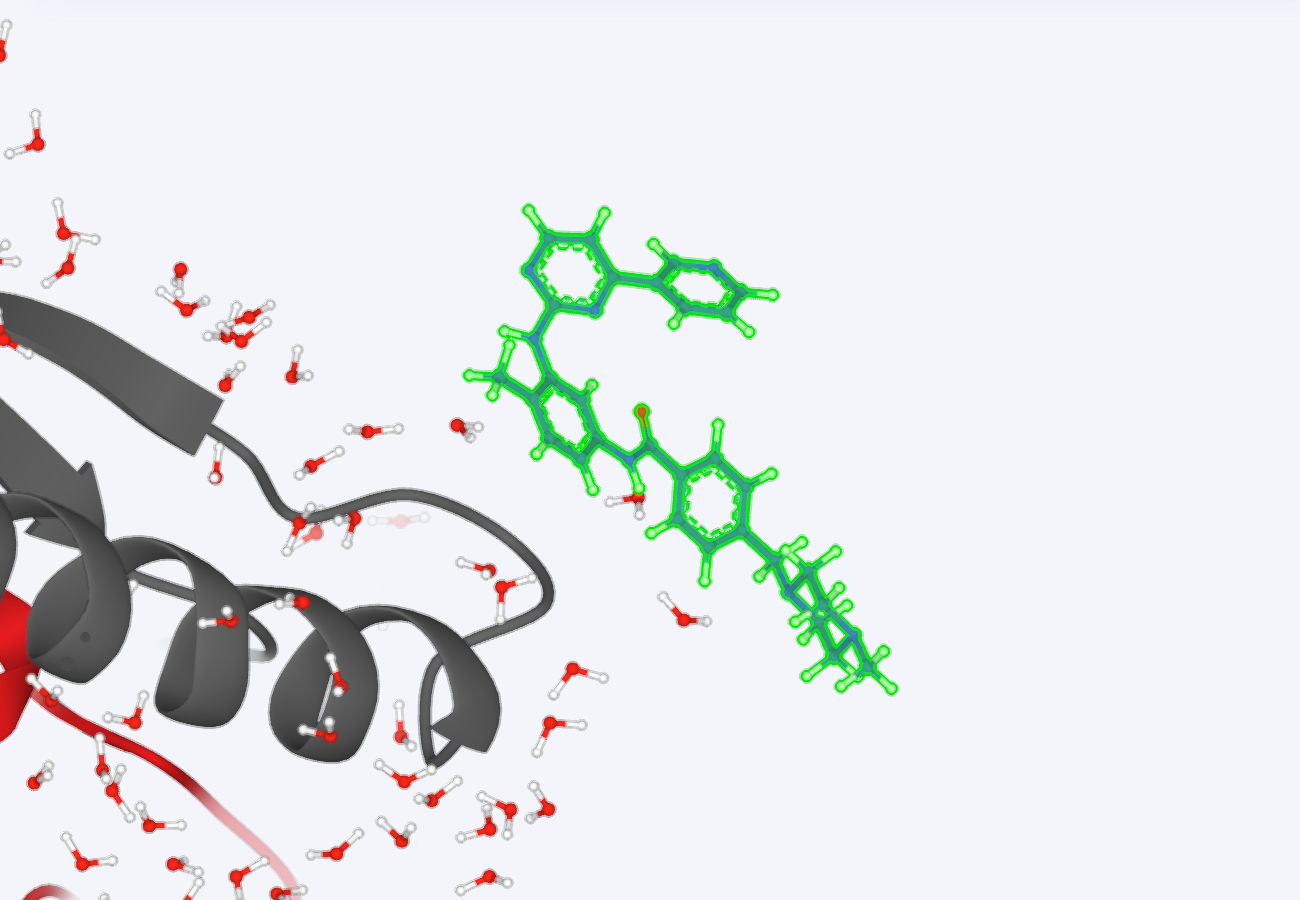 | |
| Save as .png |  | —— | —— | Save the picture |
| Refresh |  | —— | —— | Refresh |
| Label | | 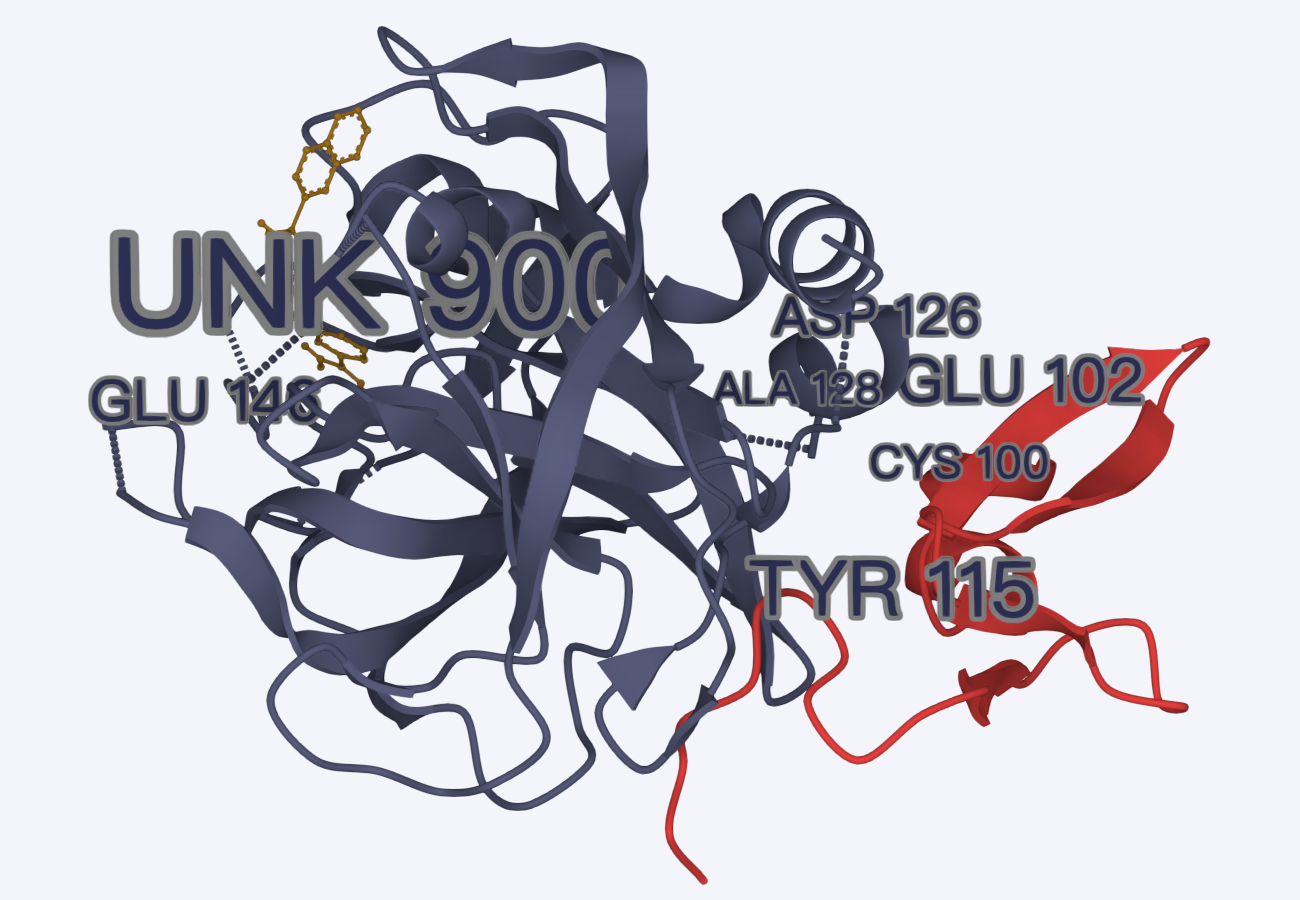 | 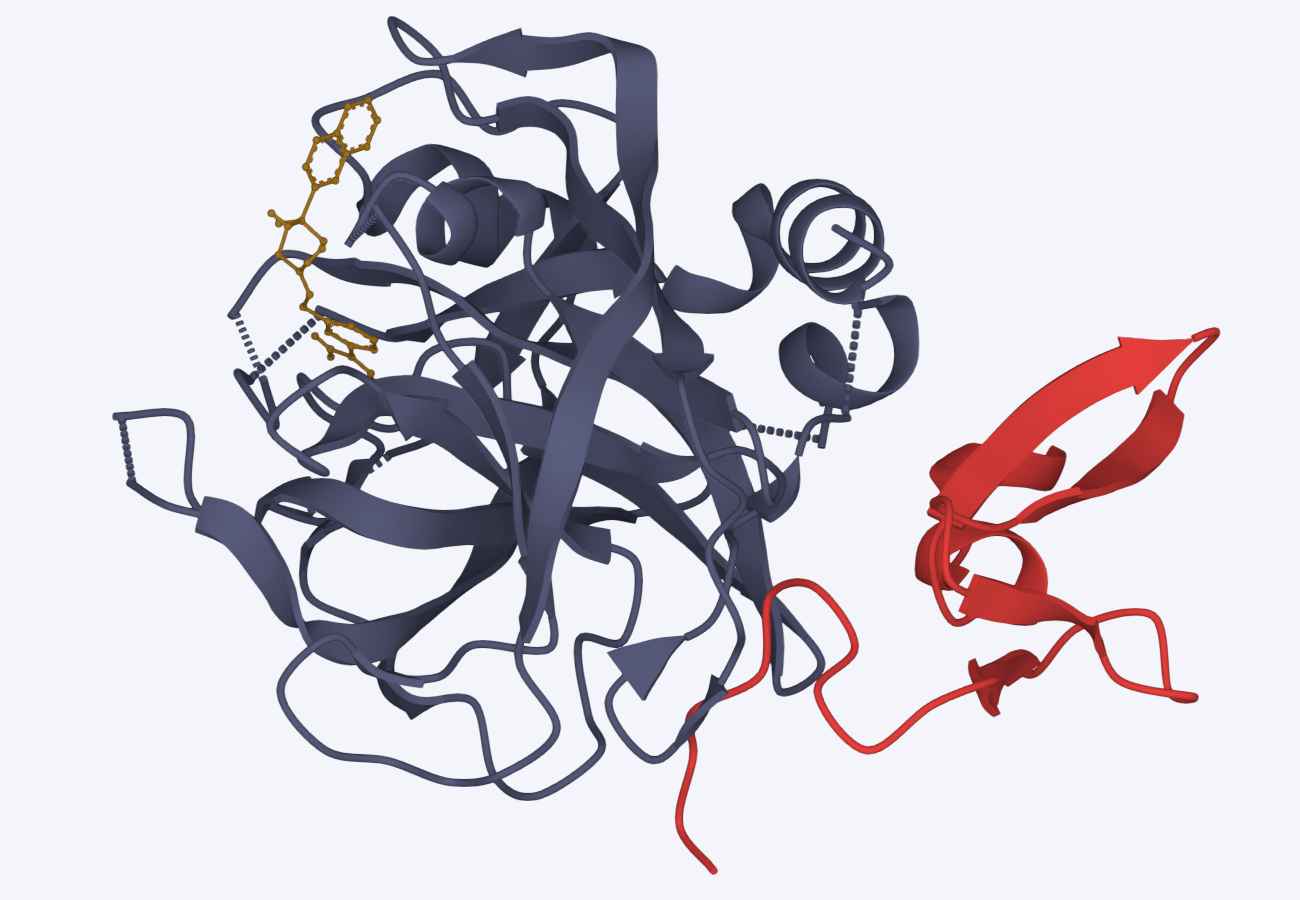 | Temporarily close, click again to open. |
| Measure | | 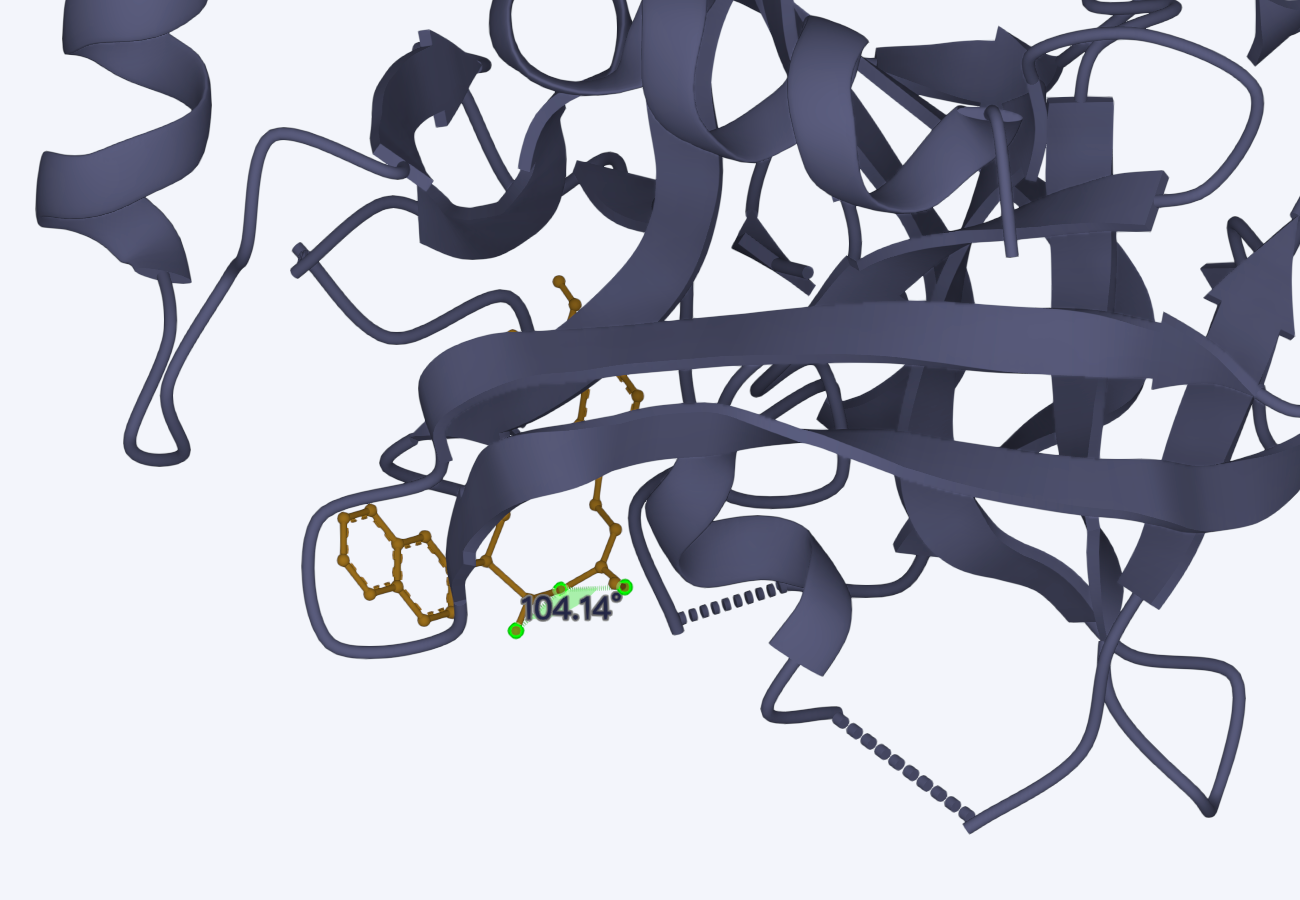 | 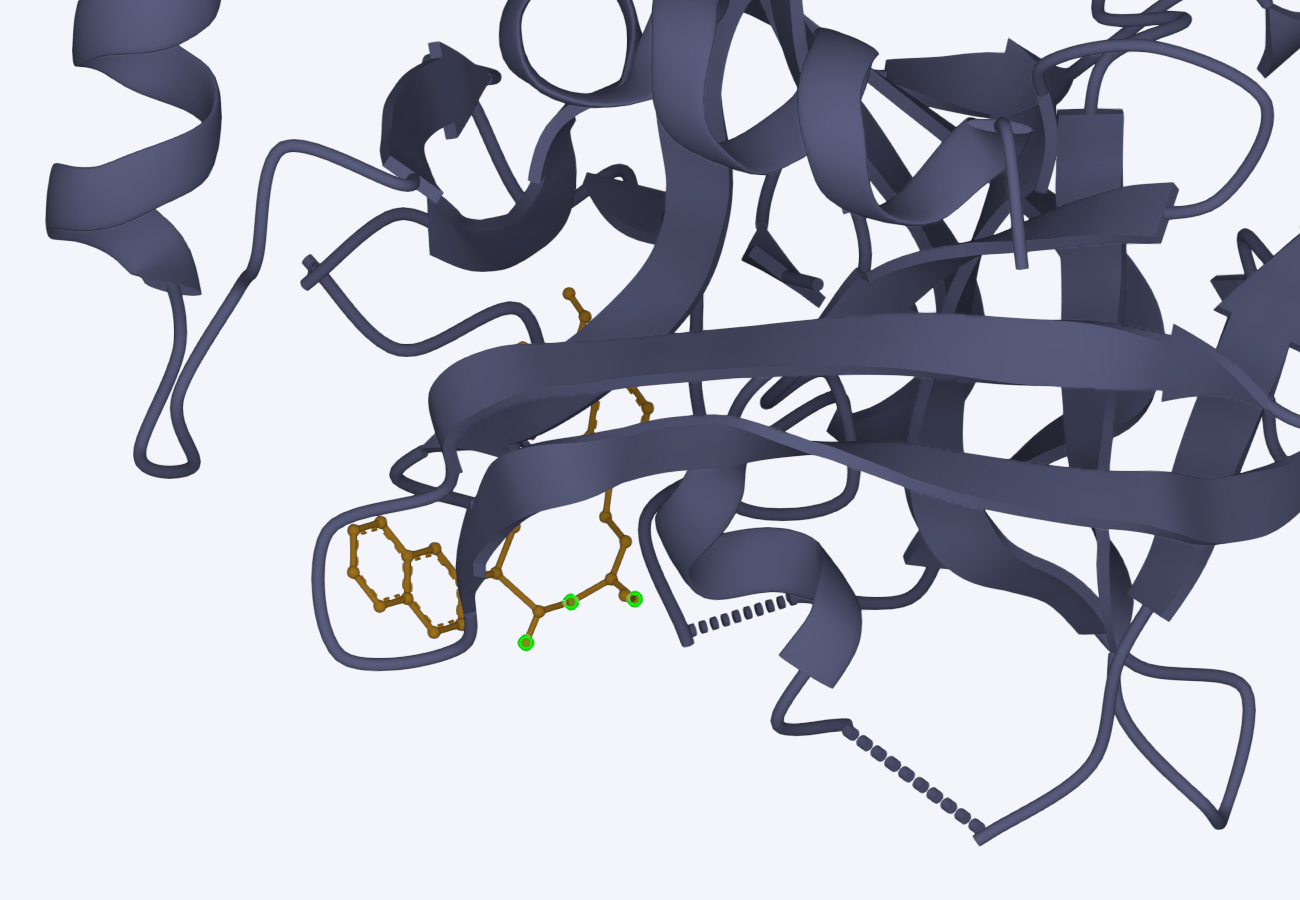 | Temporarily close, click again to open. |
| Interaction | | 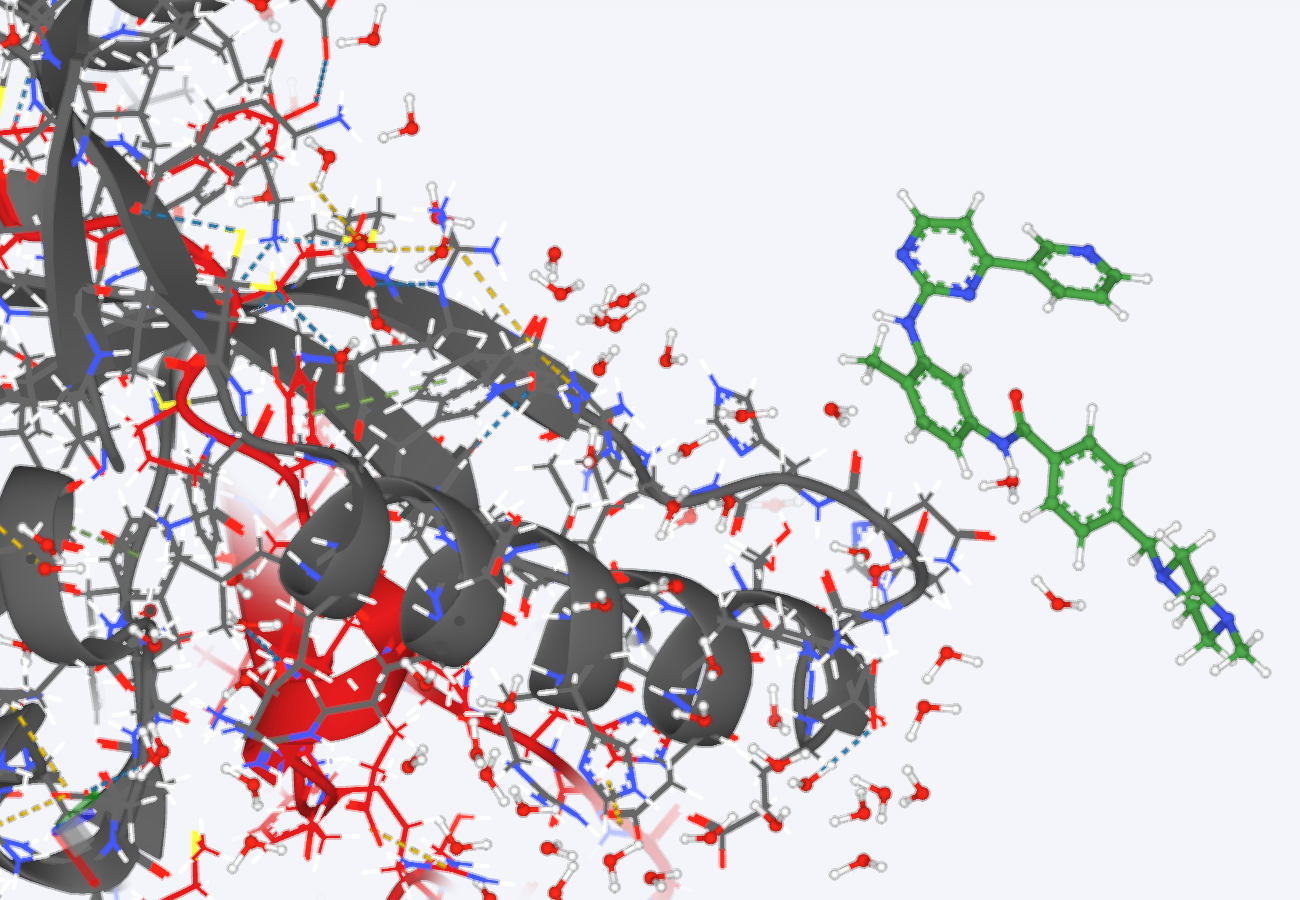 | 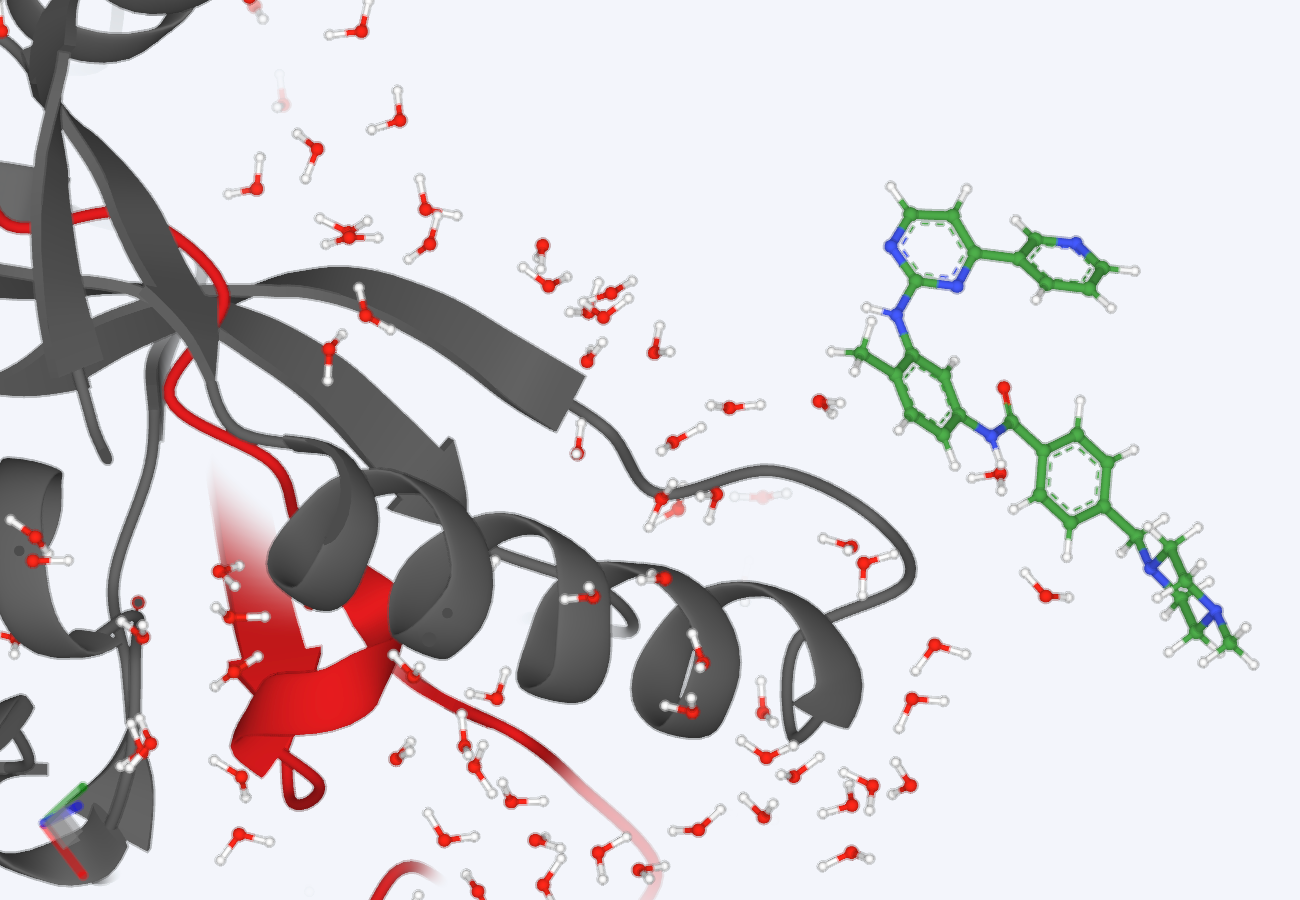 | Temporarily close, click again to open. |
| Ribbon | | 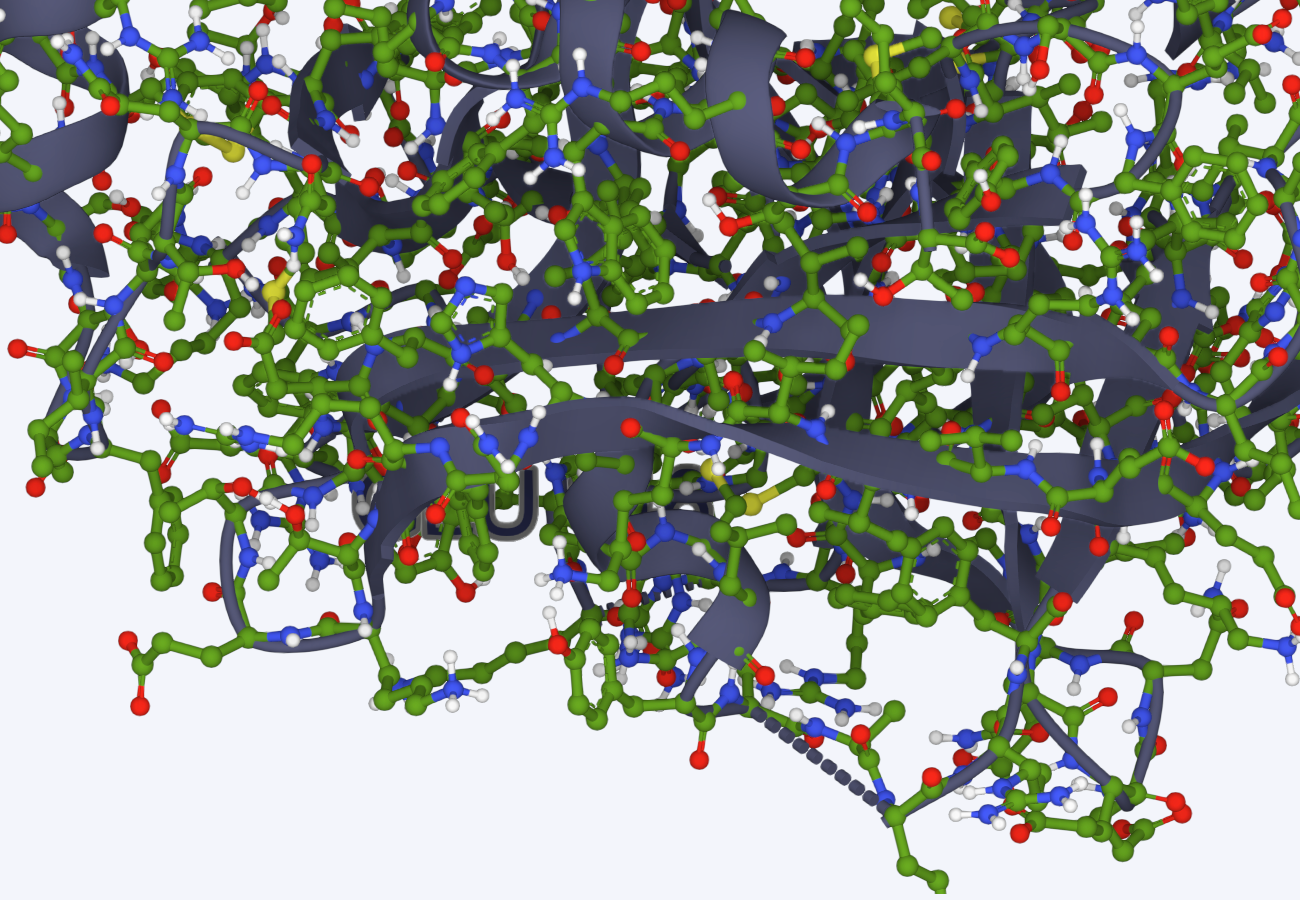 | 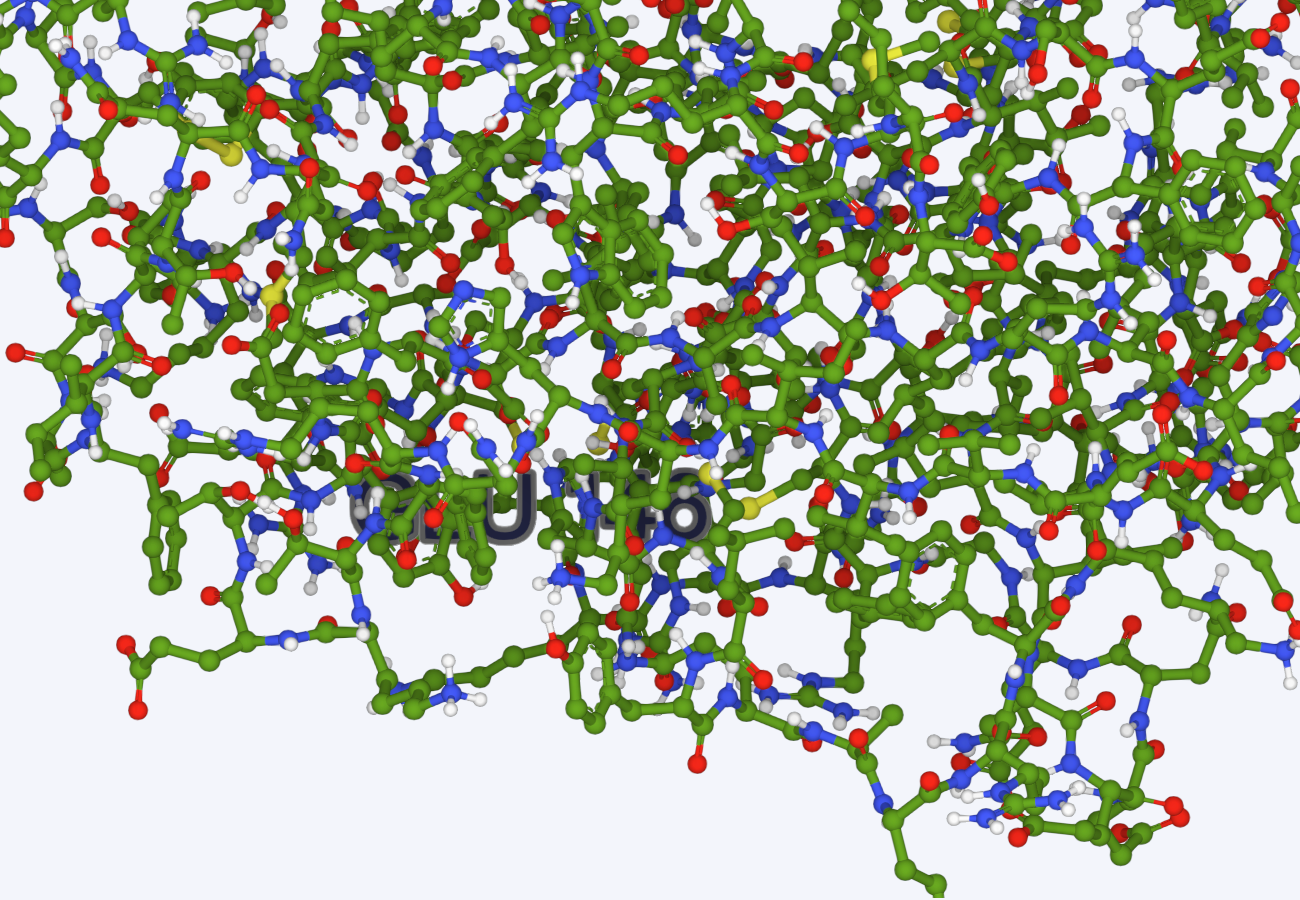 | Temporarily close, click again to open. |
| Surface | | 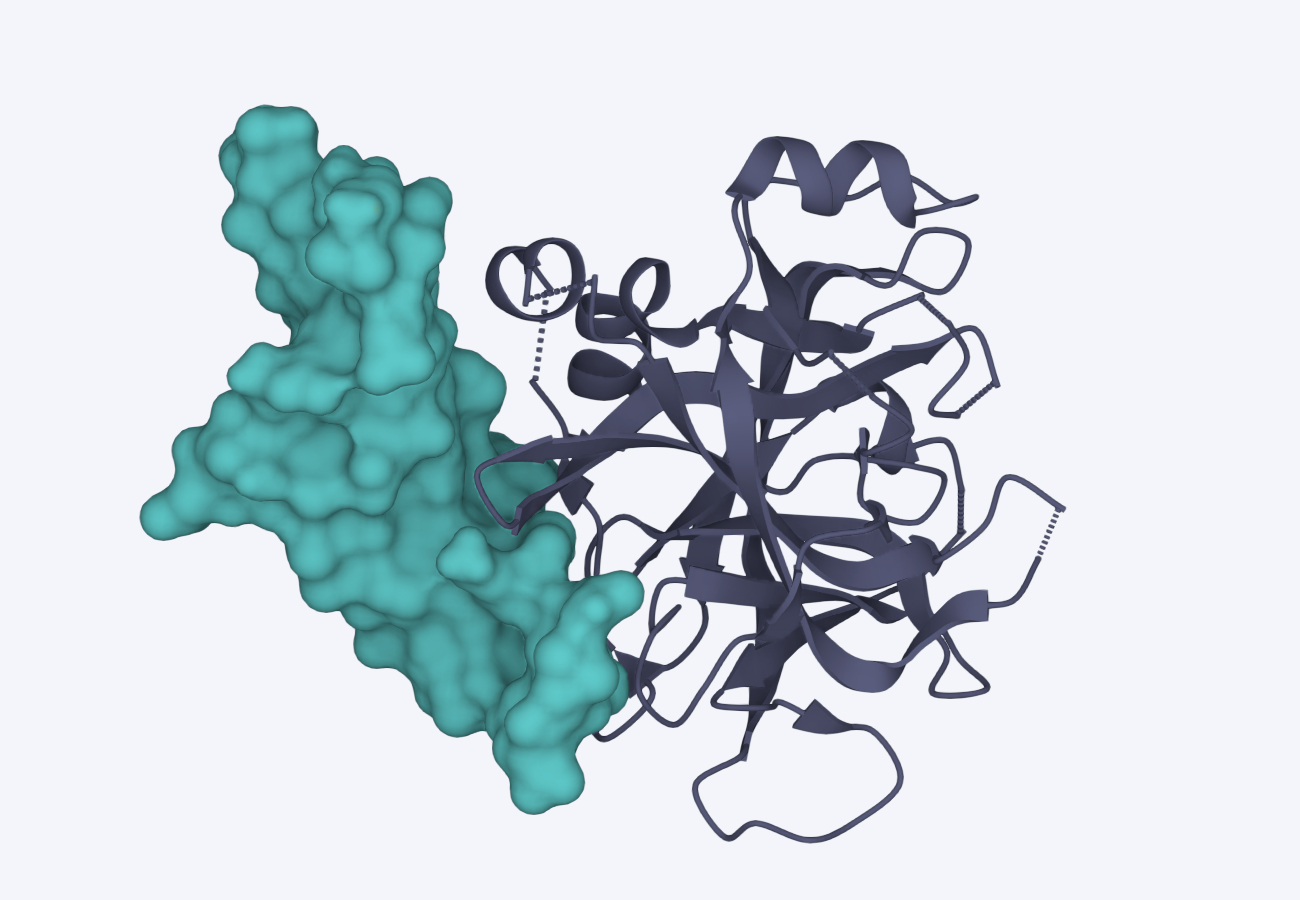 | 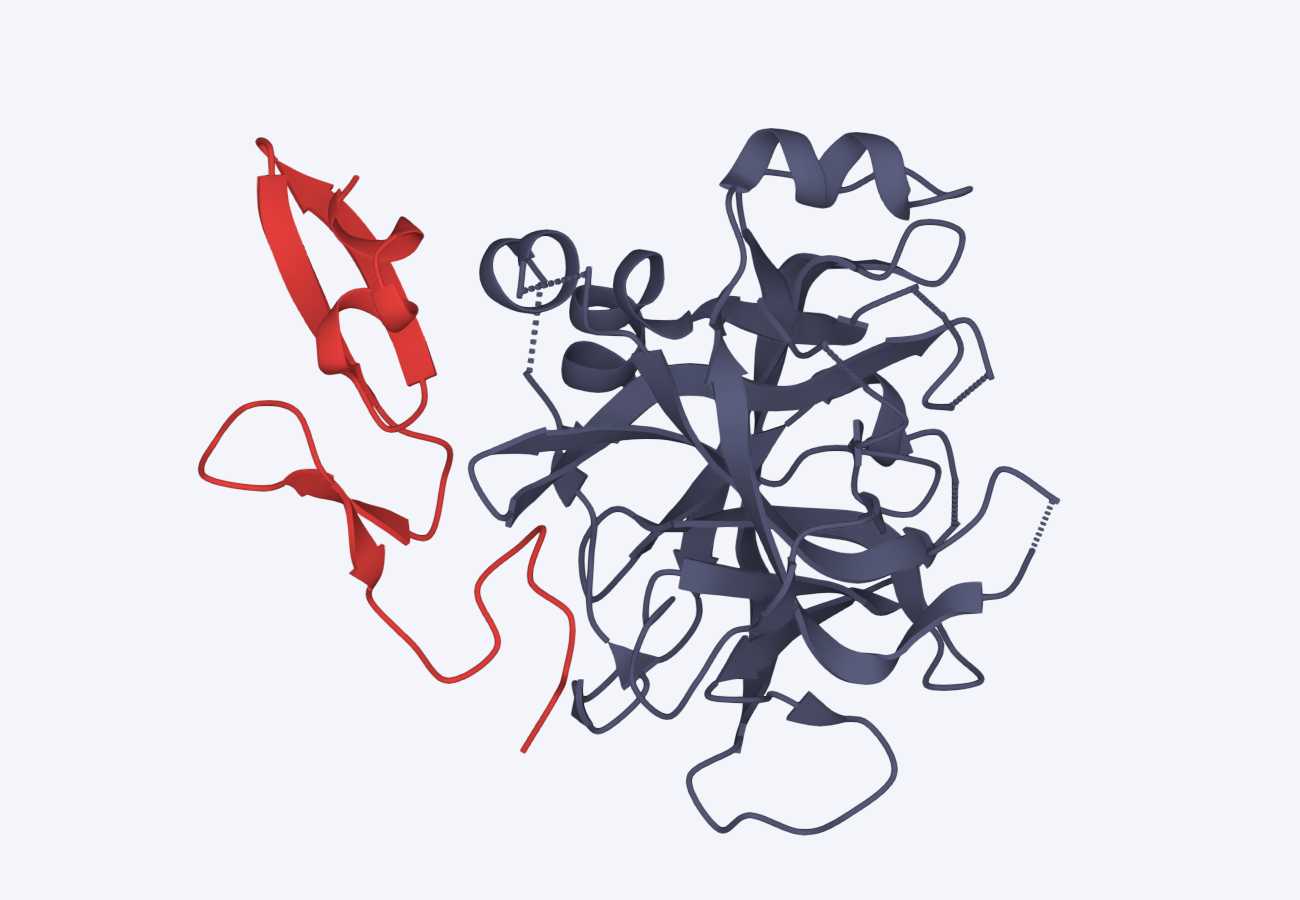 | Temporarily close, click again to open. |
6. Sequence Viewer
- And select the amino acid in the window, the same will be displayed in 3D.